Cleaning a long text list should be simple, but duplicated lines can turn a quick task into unnecessary busywork. Maybe you copied product IDs from a spreadsheet, exported email addresses from a tool, merged keyword ideas from different sources, or pasted URLs from several documents into one master list. Suddenly the same line appears over and over.
If you need to remove duplicate lines from text, the goal is straightforward: keep one version of each line and delete repeated entries without manually checking every row. This is useful for writers, marketers, students, researchers, developers, and anyone organizing web data or plain text.
In this guide, you’ll learn what duplicate lines are, when deduplication matters, how online tools handle it, what to watch out for, and how to clean your text efficiently without losing important information.
Quick answer
To remove duplicate lines from text, paste your text into a duplicate-line remover, run the cleanup, and copy the unique results. Most tools compare each line and keep only one instance of repeated entries. This is useful for cleaning lists of keywords, emails, URLs, notes, product data, or copied research before you reuse the text elsewhere.
What does it mean to remove duplicate lines from text?
Removing duplicate lines means checking a block of text line by line and deleting repeated entries so each unique line appears only once. A “line” is simply one row of text separated by a line break. If the same line appears multiple times, deduplication keeps one copy and removes the rest.
For example, a list like this:
apple
banana
apple
orange
banana
becomes:
apple
banana
orange
The easiest way to understand this is: you’re not rewriting the text, you’re filtering repetition out of it.
Why duplicate lines matter
Duplicate lines are not always obvious at first glance, but they create problems quickly when you’re working with lists, datasets, or copied information. Even a short list becomes harder to trust when repeated entries are mixed in.
- They waste time: repeated lines make lists longer than necessary.
- They increase mistakes: people may process the same item twice.
- They make exports messy: duplicate entries affect reports, outreach lists, and research notes.
- They reduce clarity: it becomes harder to see what is actually unique.
- They create workflow friction: especially when you reuse text in spreadsheets, scripts, or web tools.
A clean list is easier to trust, easier to scan, and easier to use in the next step of your workflow.
Common situations where you need to remove duplicate lines from text
This task appears in more places than most people expect. You do not need to be a technical user to run into it.
Research and note-taking
When collecting notes from different documents, copied bullet points often repeat. Removing duplicates gives you a cleaner working draft.
SEO and keyword research
Keyword lists gathered from autocomplete tools, search exports, or team documents often contain repeated phrases. Deduplicating the list makes review much faster.
Email and contact lists
If you’re preparing a contact list from multiple sources, duplicate lines can cause confusion or repeated outreach. Always review privacy and consent requirements before using personal data.
URL and website lists
Large lists of pages, domains, or URLs can collect duplicates during audits or research. Cleaning the list first makes browser-based workflows easier to manage.
Product and inventory data
Copied SKUs, product names, or category labels often repeat after exports and merges. Removing duplicate lines helps clean the data before analysis.
Student and office tasks
Meeting notes, reading lists, attendance entries, source lists, and copied references can all pick up duplicate rows during editing.
How duplicate line removal works
Most duplicate-line tools compare each line in your pasted text and check whether that exact line has already appeared. If it has, the tool removes the repeated version. If not, it keeps it.
Here’s where many beginners get confused: tools do not always interpret “duplicate” the same way. Depending on the tool, a line may be considered different if:
- capitalization changes, such as
Applevsapple - there are extra spaces before or after the text
- punctuation differs
- the line contains tabs instead of spaces
- the lines look similar but are not exactly identical
In practice, this means your results depend on how clean the text is before deduplication. Sometimes trimming spaces or normalizing case first gives better results.
Step-by-step: how to remove duplicate lines from text online
If you’re doing this regularly, there’s a simple workflow that keeps errors low and cleanup fast.
- Copy your full text list. Make sure each item is on its own line. If multiple items are on the same line, the tool may treat them as one entry.
- Paste the text into a duplicate-line remover. Online tools are useful when you want a quick result without editing line by line.
- Review the formatting before running the cleanup. Check for accidental spaces, blank lines, or inconsistent capitalization if those differences matter.
- Run the duplicate removal process. The tool will keep unique lines and remove repeated ones.
- Scan the output. Confirm that important lines were preserved and that near-duplicates were handled the way you expected.
- Copy or export the cleaned list. Paste it into your spreadsheet, document, script, browser tool, or research notes.
Suggested Image: Clean online text tool interface with duplicated entries changing into a unique line list
Manual cleanup vs online tool
The best approach depends on how much text you have and how exact the cleanup needs to be. For a tiny list, manual editing may be enough. For longer lists, an online tool is usually faster and more reliable.
| Method | Best for | Benefits | Limitations |
|---|---|---|---|
| Manual editing | Very short lists | Full control, no tool needed | Slow, easy to miss repeats |
| Spreadsheet functions | Structured tabular data | Useful for sorting and filtering | Less convenient for quick plain-text cleanup |
| Online duplicate-line remover | Fast text cleanup | Simple, quick, beginner-friendly | Output depends on line formatting and exact matches |
Important formatting details that affect results
Before you remove duplicate lines from text, keep this in mind: many duplicate issues are really formatting issues. Two lines can look the same to you but still be technically different to a tool.
Leading and trailing spaces
A space at the beginning or end of a line can cause a mismatch. For example, orange and orange may be treated as different lines.
Capitalization
Some tools treat Example and example as different. If case does not matter for your task, normalize the text first.
Blank lines
If your list contains empty rows, those can also become part of the cleanup process. Removing extra blank lines first often helps.
Tabs and hidden characters
Copied text from spreadsheets, PDFs, or websites may contain invisible characters. These can interfere with exact duplicate matching.
Near-duplicates
https://example.com and https://example.com/ may or may not matter depending on your use case. They look almost identical, but they are not the same line.
Practical examples
Let’s look at how this works in realistic everyday situations.
Example 1: cleaning a keyword list
An SEO specialist combines keyword ideas from several sources and ends up with repeated phrases such as “technical seo checklist” appearing multiple times. After duplicate removal, the list becomes easier to cluster, prioritize, and review.
Example 2: cleaning a URL list before browser research
A researcher builds a long list of webpages for competitor review. Several URLs were pasted twice. After cleaning the text, the list is shorter and easier to use with a bulk-opening workflow. If you regularly open cleaned URL lists in batches, OpenMultiURL can help you open multiple URLs at once instead of opening each page manually.
Example 3: cleaning contact entries
A small business merges lead notes from multiple team members. Some email addresses and names appear on separate identical lines. Deduplication removes the repeats before the final review.
Example 4: cleaning notes for writing
A student compiles quotes, reading references, and article points into one draft file. Duplicate bullet lines are removed so the draft is easier to outline.
Best practices for cleaner results
You will usually get better output if you do a quick quality check before and after running the tool.
- Put one item per line. This is the most important rule.
- Trim extra spaces. Small formatting differences can block matches.
- Decide whether case matters. Keep capitalization if it has meaning; normalize it if it does not.
- Review similar-looking entries. They may not be true duplicates.
- Keep a backup of the original list. This helps if you remove something you later need.
- Check sensitive data carefully. Avoid pasting confidential or restricted information into any online tool unless you understand the privacy implications.
When duplicate lines are actually useful
Not every repeated line is a problem. Sometimes duplicates carry meaning, and removing them would erase useful information.
- Frequency analysis: repeated keywords may show how often a term appeared.
- Log review: duplicate entries can indicate recurring system events.
- Survey responses: repeated lines may reflect true repeated answers.
- Testing data: duplicates may be intentional for validation.
If repeats tell you something important, save a copy of the original before cleaning the text.
Limitations to understand before using any duplicate-line tool
Duplicate-line removers are useful, but they are not magic cleanup tools. They mainly handle exact line repetition unless they explicitly offer more advanced normalization options.
- Exact-match dependence: small differences can prevent a match.
- No context awareness: tools do not know whether two similar lines should be treated as one.
- Formatting issues remain possible: hidden spaces, line breaks, and encoding quirks may affect output.
- Privacy considerations: avoid using online tools for confidential lists unless the tool’s handling of data meets your requirements.
- Browser behavior may vary: copying, pasting, and line formatting can differ slightly depending on the source application and browser version.
Troubleshooting common problems
If the results do not look right, the issue is usually formatting rather than the duplicate-removal process itself.
The tool did not remove obvious duplicates
Possible reasons include extra spaces, tabs, mixed capitalization, or hidden characters. Try pasting the text into a plain text editor first, then run the cleanup again.
Too many lines were removed
You may have expected the tool to preserve similar entries that were actually exact duplicates. Start with a backup copy so you can compare the before-and-after versions.
Lines that look the same are still separate
This often happens with characters you cannot see, such as trailing spaces or different line-ending formats. Cleaning the text before deduplication usually fixes it.
URLs are behaving unexpectedly
Some URLs may look different but still point to similar pages. Others may look almost the same while technically remaining distinct. Google explains URL canonicalization and consistency in its documentation at Google Search Central’s guide to consolidating duplicate URLs.
Why this matters for URL workflows and web productivity
Duplicate-line cleanup is especially useful when the text contains links. Repeated URLs make web research slower, create browser clutter, and increase the chance of reviewing the same page twice.
A simple workflow looks like this:
- Collect URLs from search, documents, exports, or notes.
- Remove duplicate lines from the list.
- Check that the URLs are valid and trustworthy.
- Open the cleaned set for research or review.
If you often work with batches of links, this kind of cleanup pairs naturally with a browser productivity tool like OpenMultiURL, which lets you open multiple URLs at once from a prepared list. Just remember to verify unfamiliar links before opening them.
Duplicate text lines vs duplicate URLs: what is the difference?
These ideas are related, but they are not identical. A duplicate line is a text-format issue. A duplicate URL issue can be broader and may involve different web addresses that lead to the same or very similar content.
| Concept | What it means | Example |
|---|---|---|
| Duplicate line | The exact same line appears more than once in text | blue shoes repeated three times |
| Duplicate URL entry | The same web address appears multiple times in a list | https://example.com/page pasted twice |
| Duplicate or near-duplicate web page | Different URLs serve the same or highly similar content | Parameterized URLs or alternate versions of a page |
For technical readers, official background on URLs can be found in the RFC 3986 URI specification, while browser and web behavior details are documented by MDN’s explanation of what a URL is.
Privacy and safety considerations
Most text cleanup tasks are harmless, but you should still be careful with what you paste into any online tool.
- Do not paste passwords, API keys, financial records, or private customer data.
- Be careful with legal, medical, HR, or confidential company information.
- Review unfamiliar URLs before opening them in bulk.
- If a list contains personal data, make sure your handling of that data matches your privacy obligations.
For everyday public text, duplicate-line removers are convenient. For sensitive material, a local workflow may be more appropriate.
Frequently asked questions
1. What is the fastest way to remove duplicate lines from text?
The fastest method is usually to paste your list into an online duplicate-line remover and let it keep only unique lines. This works well for plain text where each item is on its own row. Before running it, quickly check for extra spaces or inconsistent capitalization, because those small differences can affect whether a line is recognized as a duplicate.
2. Will the tool keep the original order of my lines?
Many tools do preserve the first occurrence of each line and remove later repeats, but behavior can vary. Some tools may also sort the output depending on their settings or design. If the order matters for your workflow, always review the result before replacing the original list. Keeping a backup copy is a simple way to avoid accidental changes.
3. Are lines with different capitalization considered duplicates?
Not always. In many tools, Sample and sample are treated as different lines because the tool checks exact text matches. If case does not matter for your task, convert the list to a consistent style first. If case does matter, keep the original formatting and review the output carefully so important distinctions are not lost.
4. Can I use duplicate-line removal for URLs?
Yes. It is a practical way to clean a list of repeated URLs before research, auditing, or opening links in batches. Just remember that visually similar URLs are not always identical. Parameters, trailing slashes, protocol differences such as http vs https, and subdomains can all make two URLs technically different even when they point to related content.
5. Does removing duplicate lines help with SEO?
It can help indirectly by making your keyword lists, URL exports, and research inputs cleaner and easier to work with. It does not improve rankings by itself. Instead, it supports better SEO workflows by reducing duplicate review work, improving list quality, and making audits easier to manage. Google provides broader technical guidance through Google Search Central documentation.
6. Why are some duplicates not removed even though they look the same?
This usually happens because the lines are not truly identical. Hidden spaces, tabs, line-ending differences, non-breaking spaces from copied web text, or capitalization changes can all prevent matching. A good fix is to paste the text into a plain text editor, normalize the spacing, and then run the duplicate removal again.
7. Is it safe to paste text into an online duplicate-line remover?
It depends on the type of text. Public or low-risk text is usually fine for routine cleanup, but confidential information should be handled carefully. Avoid pasting passwords, access tokens, customer records, private employee data, or sensitive internal documents into online tools unless you are fully comfortable with the data-handling implications and your organization’s policies.
8. What should I do after cleaning a list of URLs?
After deduplicating the list, verify that the URLs are still valid, remove any suspicious or outdated links, and then use the cleaned set for your next task. That might mean browser research, content review, QA checks, or competitor analysis. If you need to open a large verified list efficiently, OpenMultiURL can help you launch multiple URLs at once instead of repeating the process manually.
Conclusion
When you need to remove duplicate lines from text, the main goal is not just cleanup for its own sake. It is to make your next step easier, whether that means reviewing keywords, organizing notes, preparing contact data, or cleaning a list of URLs for research. A good duplicate-line workflow saves time, reduces mistakes, and makes your text more usable.
Start by making sure each item is on its own line, watch for hidden formatting differences, and review the output before you move on. If your cleaned text contains links, OpenMultiURL can be a practical next step for opening multiple URLs at once and reducing repetitive browser work.
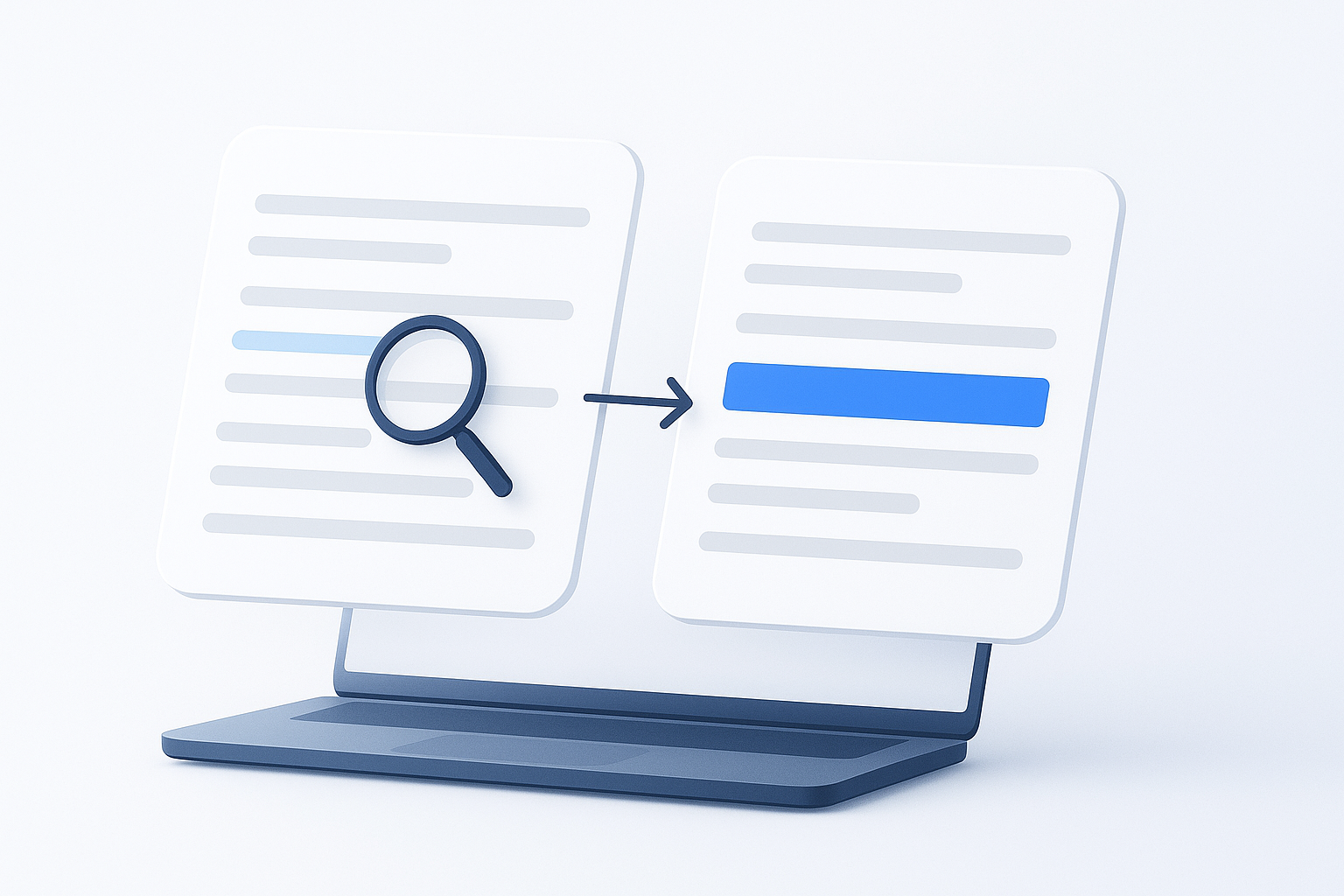
Suggested Image: Before-and-after illustration showing a messy duplicated text list transformed into a clean unique list