How to Format CSS Online for Cleaner, Easier-to-Read Stylesheets
Messy CSS is difficult to review, debug, and maintain. A stylesheet may work correctly while still containing inconsistent indentation, crowded declarations, unnecessary spaces, or rules that are difficult to scan. If you have copied CSS from a browser inspector, combined code from several projects, or inherited a compressed stylesheet, manually cleaning it can take more time than expected.
Learning how to format CSS online gives you a quick way to improve the visual structure of a stylesheet without changing what it is designed to do. This guide explains what CSS formatting does, how to use an online CSS formatter safely, which options to review, and how to check the result before adding it to a project. It also covers common mistakes, practical developer workflows, and the limitations of automated formatting.
Quick Answer: How Do You Format CSS Online?
To format CSS online, open a trusted CSS formatter, paste your stylesheet into the input area, choose the available indentation or formatting options, and run the formatter. Review the output for readable spacing, consistent braces, and correctly separated declarations. Then compare the formatted version with the original before saving or publishing it.
What Does CSS Formatting Mean?
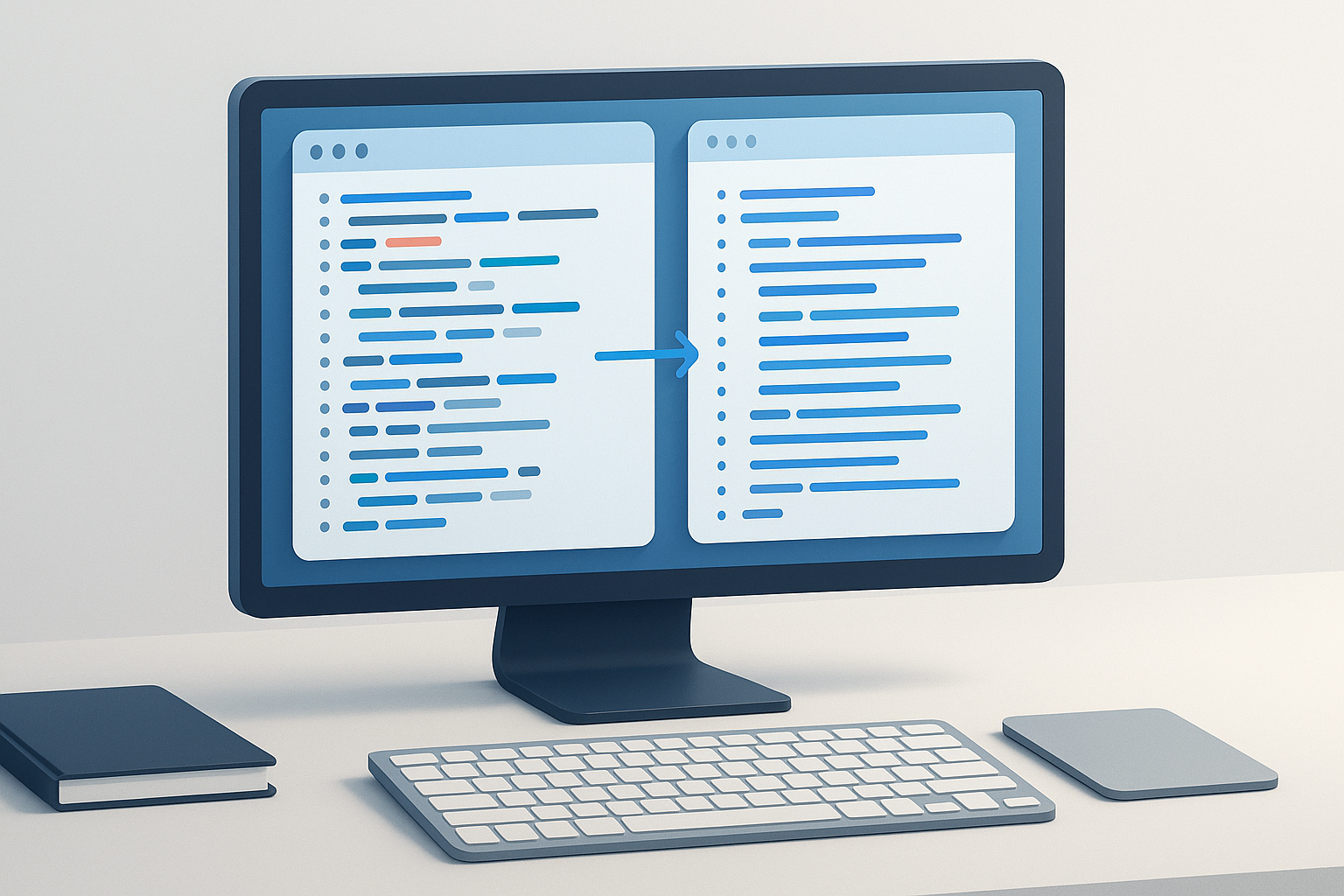
CSS formatting is the process of arranging stylesheet code so that selectors, properties, values, braces, and declarations follow a consistent visual pattern. Formatting usually changes whitespace and line breaks rather than the styling logic itself.
For example, a compact rule may be valid CSS but difficult to read:
.card{color:#222;background:#fff;padding:16px;border-radius:8px}
A formatted version is easier to scan:
.card {
  color: #222;
  background: #fff;
  padding: 16px;
  border-radius: 8px;
}
The browser generally treats these two versions as equivalent because spaces and line breaks are not usually significant between CSS tokens. However, formatting still matters to the people who read and maintain the code.
CSS formatting is different from changing the design. A formatter should not decide whether a color, margin, font size, or selector is appropriate. Its main role is to improve presentation and consistency.
Why Format CSS Instead of Leaving It Compressed?
Readable CSS makes routine development work easier. Developers can locate a rule faster, identify missing punctuation, compare changes, and understand how a stylesheet is organized. This becomes especially valuable when several people edit the same files or when a project contains thousands of lines of CSS.
- Faster debugging: Each property is easier to inspect when it appears on its own line.
- Clearer code reviews: Reviewers can distinguish meaningful changes from formatting noise.
- Easier maintenance: Consistent indentation helps you add, remove, or update declarations safely.
- Better error detection: Missing braces, semicolons, or unusual nesting are easier to notice in a structured layout.
- Smoother collaboration: A shared formatting style reduces differences between contributors.
- Improved research workflows: Formatted CSS copied from a website is easier to examine when investigating layout behavior or documenting technical findings.
Formatting is not a substitute for a linter, validator, or code review. It improves readability, but it does not automatically confirm that the CSS is valid, accessible, efficient, or compatible with every browser.
How to Format CSS Online Step by Step
An online CSS formatter is useful when you need a quick cleanup and do not want to configure a local development tool. The general workflow is simple, but careful input and output checks are still important.
- Choose a trustworthy formatter. Use a reputable online tool, such as a CSS formatter or beautifier designed to process stylesheet code. Check that the page uses HTTPS and avoid pasting confidential source code into an unfamiliar service.
- Prepare the stylesheet. Copy the CSS you want to clean. If it comes from a larger file, make sure you include the complete rule or section needed for the task.
- Paste the CSS into the input field. Keep the original file open or saved separately so that you can compare the result later.
- Select formatting preferences if available. Common choices include indentation width, whether to use spaces or tabs, and how braces or blank lines should be arranged.
- Run the formatter. Use the tool’s format, beautify, or similar action to generate a more readable version.
- Review the output. Look for missing characters, incomplete rules, unexpected changes, and declarations that may have been copied incorrectly.
- Compare and save carefully. Keep the original version until you have confirmed that the formatted CSS behaves as expected in your project.
For a quick browser-based workflow, you can use the OpenMultiURL CSS Formatter and Beautifier to organize CSS into a more readable structure. The same review principle applies: formatting is helpful, but the output should still be checked before it becomes part of a production stylesheet.
What Formatting Options Should You Choose?
The best settings depend on your project conventions. If you are formatting an existing codebase, match the style already used by that project whenever possible. Consistency is usually more valuable than choosing a particular indentation preference.
| Option | Common choice | Why it matters |
|---|---|---|
| Indentation | Two or four spaces | Controls how nested or grouped code is visually aligned. |
| Tabs or spaces | Follow the project standard | Prevents inconsistent alignment between editors and contributors. |
| Blank lines | Separate major rule groups | Makes a long stylesheet easier to navigate. |
| Brace placement | Opening brace after the selector | Creates a predictable visual pattern for each rule. |
| Declaration spacing | One property per line | Makes individual values easier to locate and edit. |
If you are preparing CSS for delivery to a website, do not confuse formatting with minification. Formatting expands code for human readability, while minification removes unnecessary whitespace to reduce file size. Developers often keep a readable source file and generate a minified production file through a build process.
Formatting Different Types of CSS
Most formatters handle common stylesheet rules, but CSS can contain several structures that deserve extra attention. A formatter may make these structures easier to read without explaining what they do.
Basic Selectors and Declarations
Standard rules contain a selector followed by one or more declarations. A declaration is a property and value pair, such as color: #333;. Formatting places each declaration on a separate line and aligns it within the rule.
Use this structure to quickly check whether every property belongs to the intended selector. A misplaced closing brace can cause later declarations to apply differently than expected.
Media Queries
Media queries contain rules that apply under conditions such as a particular viewport width. Formatting separates the condition from the nested rules, making responsive behavior easier to inspect.
When reviewing formatted media queries, check that the opening and closing braces are paired correctly. A visual cleanup does not prove that the breakpoint logic matches your design requirements.
CSS Custom Properties
Custom properties, also called CSS variables, often appear in a :root rule or a component-level selector. Formatting can make a long list of variables easier to scan, but it will not determine whether a variable is defined before it is used or whether its fallback value is suitable.
Comments
Comments can provide useful context, especially when a stylesheet contains sections for layout, typography, components, or browser-specific workarounds. Keep meaningful comments after formatting, and remove comments that reveal private information or temporary debugging details before publishing code.
Nested Syntax and Preprocessor Files
Some projects use preprocessors or newer CSS syntax that may not be handled identically by every online formatter. If the file contains nesting, variables from a preprocessor, mixins, or build-specific directives, confirm that the tool supports that syntax before relying on its output.
How to Check Formatted CSS Before Using It
Formatting should be followed by a verification pass. Even when the tool is designed only to adjust whitespace, copied code can be incomplete, malformed, or based on syntax the formatter does not fully understand.
- Compare the beginning and end of the file. Confirm that no rules or closing braces disappeared.
- Check selectors. Make sure commas, combinators, pseudo-classes, and attribute selectors remain intact.
- Inspect values containing spaces. Functions such as
calc(), gradients, font stacks, and animation definitions may contain several components. - Review comments. Confirm that comment boundaries remain correct and that important notes were not removed.
- Run a syntax check. Use your editor, build process, or a suitable validator to identify errors that formatting alone cannot detect.
- Test the page. Load the relevant pages and check the layout at the screen sizes that matter to your project.
- Review version control changes. If the file is in Git or another version-control system, inspect the diff before committing.
The MDN CSS documentation is a useful reference when a property, value, selector, or syntax pattern is unfamiliar. For standards-related questions, the W3C CSS resources provide additional context about CSS specifications.
Online CSS Formatter vs Local Editor or Build Tool
An online formatter is convenient for a one-time cleanup, a small snippet, or a quick investigation. A local editor or automated project tool is usually better for repeated work because it can apply the same rules consistently and fit into your development workflow.
| Method | Best for | Main consideration |
|---|---|---|
| Online formatter | Quick cleanup of a snippet or small file | Do not paste sensitive or proprietary code into an untrusted service. |
| Code editor formatter | Regular development and file-by-file editing | Settings and extensions may vary by editor. |
| Project formatter | Team consistency across a codebase | Requires configuration and agreement on style rules. |
| Build pipeline | Automated formatting and production delivery | Needs setup, testing, and maintenance. |
A practical approach is to use an online formatter for occasional tasks and a project-level formatter for files that are edited regularly. This separates quick experimentation from repeatable production processes.
Practical CSS Formatting Use Cases
Cleaning CSS Copied from Browser Developer Tools
When investigating a layout problem, you may copy a rule from browser developer tools. The copied code can contain only part of the original context or include temporary overrides. Formatting makes it easier to study, but you should verify where the rule came from before adding it to a project.
Reviewing a Website During Technical Research
Developers, SEO professionals, and researchers may inspect CSS to understand page layout, responsive behavior, or visible components. A formatted snippet is easier to annotate and compare with HTML structure. Research should remain respectful and should not involve accessing private code or bypassing restrictions.
Preparing a Code Review
If a stylesheet has inconsistent spacing, formatting can make the actual code changes easier to see. Ideally, format a file in a separate commit from functional changes. That keeps the review focused and reduces the chance that a real change is hidden among many whitespace modifications.
Organizing a Large URL-Based Research Session
When researching several web pages, it can be useful to format CSS from selected pages while keeping the source URLs organized separately. If you need to open multiple reference pages at once, OpenMultiURL can help you open a list of URLs in one browser workflow. It does not bypass login requirements, website restrictions, or browser security policies, and each site may load differently.
The goal of CSS formatting is not to change what the stylesheet does. It is to make the stylesheet easier for people to understand and maintain.
Common Mistakes When Formatting CSS Online
Formatting Without Keeping the Original
This happens when someone replaces the source immediately after copying the output. It matters because an unexpected formatting result can be difficult to reverse. Keep the original file or use version control so you can compare both versions.
Assuming Formatting Fixes Invalid CSS
A formatter may improve indentation without resolving an invalid property, unsupported value, missing selector, or incorrect nesting pattern. Use a validator, editor diagnostics, or a project build check when syntax accuracy matters.
Pasting Sensitive Source Code Into Any Website
Private application styles, unreleased designs, internal comments, and proprietary code should not be pasted into an unknown online service. Review the site’s privacy information and use a local tool when the code is confidential.
Mixing Formatting With Functional Changes
Changing spacing, renaming classes, reordering declarations, and modifying values in one operation makes troubleshooting harder. Format first, review the result, and make functional edits separately whenever possible.
Ignoring Project Conventions
A personal preference may conflict with the existing codebase. Before choosing two-space indentation, four-space indentation, tabs, or a particular brace style, check the project’s configuration and contribution guidance.
Limitations of Online CSS Formatting
Online formatting is helpful, but it has boundaries. A formatter cannot understand every design decision in a stylesheet and may not fully support every dialect or emerging CSS feature.
- The tool may not support preprocessor syntax or project-specific directives.
- Formatting does not prove that a stylesheet is valid in every browser.
- Formatting does not improve selector performance automatically.
- Formatting does not remove unused CSS or fix accessibility problems.
- Large files may be inconvenient to process in a browser-based interface.
- Network availability and browser behavior can affect access to an online tool.
- Private or regulated code may require a local workflow instead.
For current browser support information, consult MDN’s CSS reference and, where appropriate, the relevant browser documentation. CSS behavior can change as standards and browser implementations develop, so test important changes in the environments your audience uses.
Frequently Asked Questions About Formatting CSS Online
Can formatting CSS change how a webpage looks?
Whitespace changes alone usually do not alter the appearance of a page because CSS generally ignores formatting spaces and line breaks between tokens. However, a copied or partially edited stylesheet may contain syntax problems that become visible after processing. Always compare the formatted output with the original and test the page, especially when the file contains complex functions, comments, custom properties, or less common syntax.
Is an online CSS formatter safe to use?
It can be suitable for non-sensitive CSS when you use a trustworthy HTTPS website and understand how the service handles submitted content. Do not paste passwords, private keys, proprietary application code, confidential comments, or unreleased designs into an unfamiliar tool. For sensitive projects, use a local editor or formatter that keeps the code within your development environment.
What is the difference between CSS formatting and CSS minification?
Formatting expands CSS into a readable layout with indentation, line breaks, and separated declarations. Minification removes unnecessary whitespace and sometimes shortens other parts of the code to reduce file size. Developers typically format source files for maintenance and use a build process to create optimized delivery files when appropriate.
Should I format an entire CSS file or only one section?
Format the smallest useful section when you are investigating a specific rule or reviewing a snippet. Format the entire file when you are standardizing a project and have a reliable way to review the resulting changes. For large codebases, applying consistent formatting through a configured project tool is usually easier than repeatedly pasting files into an online service.
Can a CSS formatter fix missing semicolons and braces?
Some formatters can handle minor issues or produce readable output around common mistakes, but support varies. A formatter should not be treated as a complete error-correction system. If the output looks incomplete or the tool reports a problem, check the selector, declaration, brace pairing, comments, and surrounding code with an editor or CSS validation workflow.
How many spaces should I use to indent CSS?
Two or four spaces are common choices, but there is no universal requirement that makes one option correct for every project. The important principle is consistency. Follow the existing project style, configuration files, editor settings, or team documentation. If you are starting a new project, choose a convention and apply it consistently across the stylesheet and related files.
Can I format CSS copied from a website for SEO research?
You can format publicly visible CSS for legitimate analysis, learning, or troubleshooting, but formatting does not grant ownership or permission to reuse proprietary code. Respect website terms, copyright, privacy, and access controls. Do not attempt to obtain private source code or use formatting as part of a process that bypasses authentication or other security measures.
What should I do if the formatted CSS no longer works?
Restore the original version, compare the two files, and identify the first point where the output differs. Check for incomplete copying, changed comments, lost braces, unsupported syntax, or accidental edits made before formatting. Then run the stylesheet through your normal editor or build checks and test the affected page in the relevant browsers.
Conclusion
Knowing how to format CSS online can turn a crowded stylesheet into code that is easier to inspect, debug, review, and maintain. The basic process is straightforward: preserve the original, paste the CSS into a trusted formatter, choose consistent settings, review the output, and test the result before using it.
For occasional cleanup, an online CSS formatter can save repetitive manual work. For active projects, combine it with version control, editor checks, project conventions, and browser testing. If your workflow also involves reviewing many web pages or reference URLs, OpenMultiURL can help you open multiple links at once while you carry out that research. Use both tools as part of a careful workflow rather than as substitutes for technical review.