A link looks simple until it breaks a workflow. Maybe you’re pasting URLs into a browser, sharing links with coworkers, adding pages to a spreadsheet, or preparing a list for research. One wrong character, a missing https://, or an accidental space can turn a useful link into an error page. That is why knowing how to check if a URL is valid matters more than most people realize.
This guide is for anyone who works with links: everyday web users, marketers, students, researchers, site owners, and SEO professionals. You’ll learn what a valid URL actually means, how to check it manually, how browsers and online validators help, what common mistakes to watch for, and when a URL can be technically valid but still fail to load.
Quick answer: how to check if a URL is valid
To check if a URL is valid, make sure it has a proper format such as https://example.com, contains no spaces or invalid characters, and uses a real domain name. Then test it in a browser or a URL validation tool. A URL can be correctly formatted but still not work if the page is unavailable, redirected, blocked, or requires login.
What makes a URL valid?
A valid URL is a web address that follows a recognized structure and uses allowed characters in the right places. In simple terms, it must be written in a way that browsers and web systems can understand.
A URL usually includes several parts:
- Scheme:
http://orhttps:// - Domain: such as
example.com - Path: such as
/blog/article - Query string: optional parameters after
? - Fragment: optional section after
#
For example, https://www.example.com/products?id=10#reviews is structured like a valid URL.
According to web standards, URL syntax is defined through internet specifications. If you want the formal technical background, the IETF URI specification is a reliable reference: RFC 3986: Uniform Resource Identifier syntax.
Suggested Infographic: URL structure explained with scheme, domain, path, parameters, and fragment
Why checking URL validity matters
Checking a URL before using or sharing it prevents avoidable errors. It also helps with trust, usability, and workflow accuracy.
- Fewer broken links: You avoid sending people to error pages.
- Safer browsing: You are more likely to spot suspicious or malformed links before opening them.
- Better productivity: Clean URLs save time during research, documentation, and tab-based work.
- Improved SEO hygiene: Correct URLs matter for crawling, indexing, canonicalization, and user experience.
- Cleaner reporting: Marketers and analysts can reduce mistakes in campaign links and shared resources.
A URL can be valid in format but still be useless in practice. Good checking means verifying both syntax and behavior.
How to check if a URL is valid manually
If you only need to check one or two links, a manual review is often enough. The easiest way to understand this is to look at the URL piece by piece.
1. Check the basic format
Most web URLs should begin with http:// or https://. Today, https:// is the standard for secure websites.
Example of a normal format:
https://example.comhttps://example.com/about
Common format problems include:
- Missing scheme:
example.com/page - Broken scheme:
https//example.com - Too many slashes:
https:///example.com - Space in the URL:
https://example .com
2. Look at the domain name
The domain should look like a real website name. In many cases, it includes a second-level name and a top-level domain, such as example.com, university.edu, or agency.gov.
Be cautious if the domain:
- Has obvious misspellings
- Uses unusual substitutions like zeros for letters
- Contains unnecessary repeated words
- Looks unrelated to the brand or source you expected
This is especially important for security. A cleverly disguised URL can be formatted correctly but still be risky.
3. Check for spaces and invalid characters
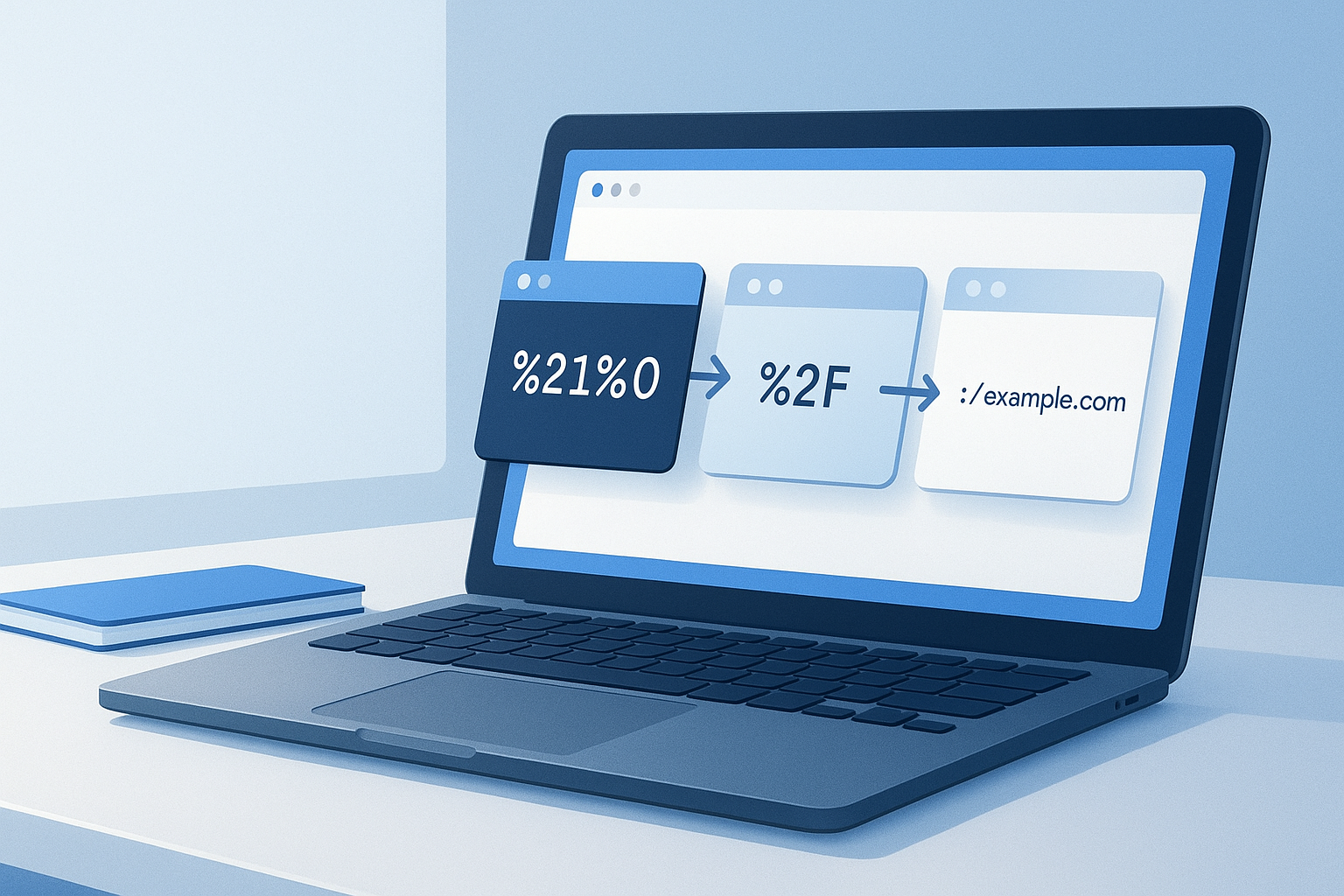
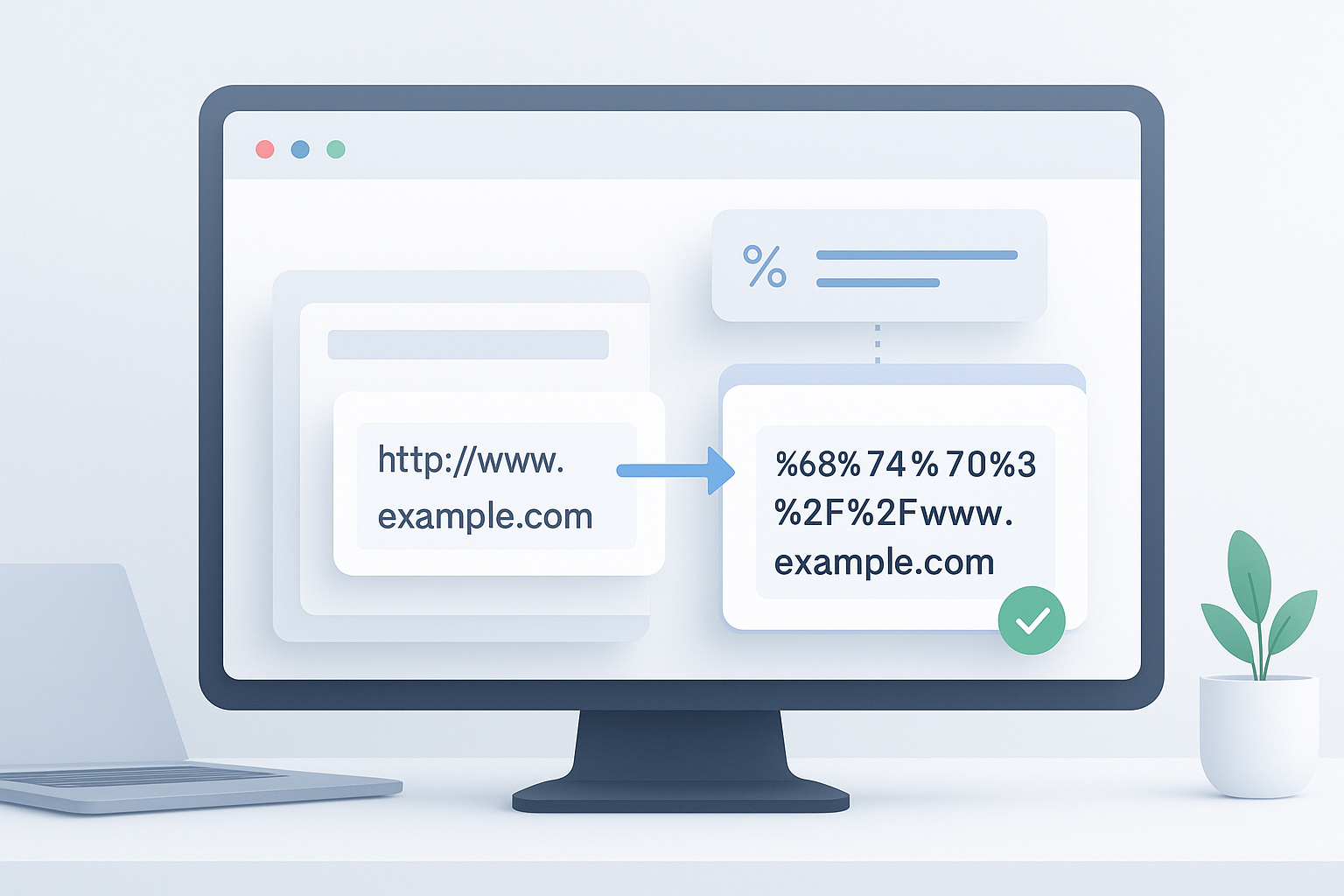
URLs should not contain raw spaces. Some special characters must be encoded rather than typed directly. For example, a space is usually represented as %20 in a URL.
Mozilla’s documentation on percent-encoding is a useful technical reference: MDN guide to percent-encoding in URLs.
4. Confirm the path and parameters make sense
A path such as /contact or /blog/post-name is normal. Query parameters after ? are also common, especially for search pages, tracking links, and filtered product lists.
Example:
https://example.com/search?q=shoes
Problems appear when a URL has duplicated symbols, broken parameter formatting, or cut-off values from copying and pasting.
5. Test the URL in a browser
Once the format looks correct, open it in a browser. If the page loads, redirects properly, or returns a meaningful result, that tells you more than syntax alone.
Keep this distinction in mind:
- Valid format: the URL is written correctly
- Reachable destination: the page actually loads and works
Step-by-step: the easiest workflow for checking a URL
If you want a reliable process, use this short checklist. It works well for casual users and professionals alike.
- Paste the full URL into a plain text field. This helps you spot hidden spaces, line breaks, or copied punctuation.
- Confirm the scheme. If it is a website, check for
https://first. Some systems may still usehttp://, but secure links are generally preferred. - Review the domain carefully. Make sure the site name is spelled correctly and belongs to the source you expect.
- Look for formatting issues. Watch for spaces, broken slashes, duplicate punctuation, and unusual characters.
- Open the URL in a browser. See whether it loads, redirects, asks for authentication, or fails entirely.
- Check the final destination if needed. A shortened or redirected URL may land on a different page than the one shown originally.
- Use a URL validator when accuracy matters. This is especially useful for shared documents, campaigns, reports, or large URL lists.
Common signs that a URL is invalid
Many invalid URLs fail because of small formatting errors. Here’s where many beginners get confused: the address often looks close enough to be right, but one minor detail breaks it.
| Issue | Example | Why it fails |
|---|---|---|
| Missing scheme | www.example.com/page |
Some tools require a complete URL including https:// |
| Broken protocol | https//example.com |
Missing colon after https |
| Space in URL | https://example .com |
Spaces are not valid in plain URL form |
| Malformed domain | https://.com |
The hostname is incomplete |
| Accidental punctuation | https://example.com, |
Copied commas or periods often break links |
| Bad parameter formatting | https://example.com?=test |
The query string may be incomplete or malformed |
Valid URL vs working URL: an important difference
A URL can be valid and still not open successfully. This is one of the most useful things to understand if you’re checking links for research, SEO, or general browsing.
A valid URL may still fail because:
- The website is down
- The page was deleted
- The server returns a
404or500error - The page requires login
- The site blocks access by region, device, or network
- The URL redirects somewhere unexpected
- The resource exists only temporarily
Google’s documentation on HTTP status codes can help if you need official context for how servers respond: Google Search Central on HTTP status and network errors.
How browsers help you verify a URL
Browsers do some checking automatically, but they are not full URL validators. They can normalize certain addresses, follow redirects, and warn you about some unsafe destinations. Still, browser behavior can vary.
- Autocorrection: Some browsers may interpret incomplete entries, such as adding
https://automatically. - Address bar cues: The browser may show whether a connection is secure.
- Redirect handling: The URL you enter may not be the final URL you visit.
- Error messages: Browsers can show DNS, certificate, or connection failures.
Depending on the browser version, the exact interface may vary. Chrome, Edge, Firefox, and Safari do not always display errors in the same way.
When a URL validator tool is useful
Manual checking is fine for one link. A validator tool is more useful when precision matters or when you’re checking lots of URLs.
Use a validator when you are:
- Reviewing links before sharing a spreadsheet or document
- Cleaning URL lists for outreach, research, or audits
- Testing campaign tracking URLs
- Checking website paths during migration work
- Verifying copied links from PDFs, emails, or chat tools
- Preparing a list of pages to open later
If your next step is opening a cleaned list of links for review, a free tool like OpenMultiURL can help you open multiple URLs at once instead of pasting each one individually.
How this helps with SEO and digital marketing
For SEO and marketing work, checking URL validity is not just about avoiding typos. It supports cleaner tracking, better audits, and more reliable link management.
Useful SEO scenarios
- Internal link reviews: Confirm that important pages use correct URLs.
- Redirect checks: See whether old URLs resolve properly after site changes.
- Canonical consistency: Make sure different URL versions do not create duplication issues.
- Campaign links: Verify landing page URLs and UTM parameters before launch.
- Sitemap reviews: Check whether listed URLs are formatted correctly and accessible.
If you want official guidance on crawling and indexing behavior, Google Search Central is the best primary source: Google documentation on crawling and indexing.
UTM and parameter checks
Marketers often break URLs by editing campaign parameters manually. A missing &, a duplicated ?, or an unencoded value can make tracking messy.
A simple workflow looks like this:
- Confirm the base URL works first.
- Add parameters carefully.
- Test the full tracking URL in a browser.
- Check that analytics tools or redirects do not strip key parameters unexpectedly.
Suggested Illustration: Valid URL check workflow for SEO and marketing links
Practical examples of checking URL validity
The best approach depends on what you’re trying to accomplish. Here are a few common situations.
Example 1: everyday user sharing a link
You copy a product page from a message thread, but it includes a closing parenthesis or comma from the sentence. The URL looks fine at first glance, but it fails when opened. A quick review of the pasted text fixes the issue.
Example 2: student or researcher organizing sources
You collect multiple reference links in a document. Before saving or sharing, you check that each URL includes the complete domain and opens to the intended page rather than a session-limited or expired result.
Example 3: marketer reviewing campaign links
You add UTMs to several landing pages. Before launch, you open each one to confirm that the page loads, the parameters do not break the URL, and the final destination is correct.
Example 4: SEO professional checking page lists
You export URLs from a crawl or spreadsheet, remove malformed entries, then open selected pages for manual review. If you’re doing this regularly, there’s a simpler workflow: after validating the list, use OpenMultiURL to open multiple URLs at once and inspect them more efficiently.
Best practices for checking URLs accurately
A few habits make URL validation much easier and more reliable.
- Use full URLs when possible. Include the scheme, especially in spreadsheets, tools, and documentation.
- Paste into plain text first. This reveals trailing punctuation and hidden formatting.
- Be careful with shortened links. They may redirect somewhere unexpected.
- Check the final destination. A redirect can change the effective URL.
- Review parameters separately. Campaign and filter parameters are common failure points.
- Verify unfamiliar links before opening them. This is good for both security and accuracy.
- Keep cleaned lists organized. If you handle many links, separate valid, questionable, and broken URLs.
Common mistakes people make
Most URL issues are small, but they create outsized problems.
Assuming a clickable link is automatically valid
Some apps auto-link text even when the destination is wrong or incomplete. Always inspect the actual address if it matters.
Confusing a domain with a full URL
example.com is a domain. https://example.com/page is a full URL. Some tools accept both, but others require the complete address.
Ignoring redirects
You may enter one URL and land on another. For SEO, tracking, and documentation, that difference can matter.
Opening suspicious URLs without checking them
Not every malformed link is harmless. Some misleading URLs are designed to imitate trusted brands. If the source is unfamiliar, review the domain carefully before clicking.
Copying URLs from rich text without checking punctuation
Links copied from emails, PDFs, docs, and chat platforms often include extra characters or line breaks.
Limitations to understand
There is an important limitation to understand: no simple validation method tells you everything. A URL can pass a format check and still fail in real use.
- Authentication: Some pages only work after login.
- Temporary outages: A valid page may be down at the moment you test it.
- Geo or network restrictions: Access may vary by location or IP.
- JavaScript-dependent behavior: Some pages load content only after scripts run.
- Tool differences: One validator may check format only, while another may test reachability.
- Browser differences: How errors are displayed may vary between browsers.
In practice, this means a good URL check combines syntax review with real-world testing.
Troubleshooting a URL that looks valid but does not work
If a URL appears correct but still fails, use this short troubleshooting process.
- Refresh the page or try again later. The server may be temporarily unavailable.
- Check the exact spelling. Look for missing characters, duplicate slashes, or hidden spaces.
- Try the main domain. If the full path fails, the homepage may show whether the site is working.
- Test another browser. Browser extensions, cached data, or local settings can sometimes interfere.
- Check whether login is required. Some private dashboards and documents cannot be accessed publicly.
- Inspect redirects. The original URL may forward to a removed or blocked page.
- Verify that the site still exists. Sometimes a valid URL points to a domain that has expired or changed ownership.
How to handle large lists of URLs
If you regularly work with many links, a manual one-by-one process becomes slow and error-prone. The better workflow is to validate first, then open only the links you actually need to review.
- Remove empty rows and duplicate entries
- Standardize formatting with full URLs
- Separate trusted and untrusted sources
- Test a sample before opening everything
- Open selected valid links in groups to reduce browser clutter
For this type of workflow, OpenMultiURL is useful after validation because it lets you open multiple URLs at once from a prepared list. That can help with content review, competitor checks, or source comparison without repeated copying and pasting.
Frequently asked questions
1. What is the difference between a valid URL and a working URL?
A valid URL follows the correct structure and syntax, so browsers and tools can interpret it. A working URL goes one step further: it leads to a page or resource that actually loads. A URL may be valid but still fail because the page was removed, the server is down, a login is required, or the website blocks access under certain conditions.
2. Does a URL always need https:// to be valid?
Not always in casual use, because some browsers can interpret incomplete entries and add the scheme automatically. However, many tools, validators, spreadsheets, and technical workflows work better when the full URL is included. If accuracy matters, use the complete form with https:// whenever possible. It removes ambiguity and makes sharing cleaner.
3. Can a URL have special characters in it?
Yes, but they must be handled correctly. Some characters are reserved for specific URL functions, and others should be percent-encoded. For example, spaces should not appear as raw spaces in a URL. If you are copying a URL from a document or building one manually, watch for characters that need encoding so the link remains usable.
4. How can I tell whether a URL is suspicious?
Start by checking the domain name. Suspicious URLs often use misspellings, extra words, misleading subdomains, or lookalike characters to imitate trusted brands. Also be cautious with shortened links or URLs sent unexpectedly. If you do not trust the source, do not enter personal information after opening the page. Valid formatting does not guarantee safety.
5. Why does a URL open a different page than the one I entered?
This usually happens because of a redirect. Redirects send users from one URL to another, often after site migrations, content updates, or tracking changes. In some cases, the redirect is intentional and helpful. In others, it may indicate outdated links, campaign misconfiguration, or unexpected landing pages. If the final destination matters, always check it directly.
6. Is checking URL validity useful for SEO?
Yes. SEO work depends on clean, accessible URLs. Checking URL validity helps with internal linking, sitemap quality, redirects, canonical consistency, migration reviews, and campaign landing pages. It will not improve rankings by itself, but it reduces technical mistakes that can affect crawling, user experience, and reporting accuracy.
7. What should I do before opening a large list of URLs?
Clean the list first. Remove duplicates, empty rows, malformed entries, and suspicious links. Confirm that the URLs use consistent formatting and, when possible, test a sample set before opening them in bulk. Once the list is reviewed, opening selected URLs together can save time. This is where a tool designed for multi-link workflows becomes practical.
8. Are browser results enough to validate a URL?
Browsers are helpful, but they are not a complete validation system. They can often load, normalize, or reject a URL, and they may show connection or certificate warnings. Still, a browser test does not replace format checking, destination review, or redirect verification. For important workflows, use a mix of manual inspection, browser testing, and a validator tool.
Conclusion
If you’re wondering how to check if a URL is valid, the core process is simple: review the format, confirm the domain, look for character errors, and test the link in a browser or validator. The key detail is that validity and usability are not always the same thing. A URL can be technically correct and still fail because of redirects, outages, or access restrictions.
For occasional checks, manual review is usually enough. For larger link workflows, validate first, then open only the URLs you need. If you regularly review batches of cleaned links, OpenMultiURL can help you open multiple URLs at once without repetitive browser work. The goal is not just to check links, but to make your web workflow more accurate, safe, and manageable.