How to Convert XML to JSON Quickly and Cleanly
If you have ever copied XML from an API response, sitemap, config file, or export feed and then needed it in JSON format, you already know where things get messy. Nested tags, repeated elements, attributes, namespaces, and invalid formatting can turn a simple conversion into a frustrating cleanup task. That is why so many developers search for how to convert XML to JSON without breaking the structure or losing important data.
This guide explains what XML-to-JSON conversion actually does, when it is useful, how to handle common formatting issues, and how to convert XML to JSON online in a safe and practical way. Whether you are debugging an API, transforming legacy data, or preparing structured data for JavaScript-based applications, the goal is the same: get clean output that you can trust and use immediately.
Quick answer
To convert XML to JSON, paste valid XML into a converter, run the transformation, and review the output for arrays, attributes, namespaces, and text nodes. The most reliable workflow is to validate the XML first, convert it, then inspect the JSON structure before using it in code, APIs, or data pipelines.
What XML-to-JSON conversion means
XML and JSON are both structured data formats, but they organize information differently. XML uses tags and attributes. JSON uses key-value pairs, objects, and arrays. Converting XML to JSON means translating one structure into another so the data is easier to use in modern applications, especially JavaScript-based workflows.
Here is the important part: conversion is not always one-to-one. XML can represent the same information in several ways, which means different tools may output slightly different JSON structures. That is normal. What matters is whether the converted result fits your use case.
Why developers convert XML to JSON
- To work with API responses in JavaScript
- To modernize legacy XML-based systems
- To transform feeds, exports, or configuration files
- To inspect machine-readable data more quickly
- To simplify front-end development and testing
- To move data into NoSQL tools or JSON-based services
When XML is still common
Even though JSON is more common in many modern developer workflows, XML still appears in plenty of real-world systems. You will regularly see it in RSS feeds, SOAP services, sitemaps, office document formats, product feeds, and enterprise integrations.
For example, the Sitemaps protocol is XML-based, and several web standards maintained by the W3C XML specifications still depend on XML syntax. So even if your end application prefers JSON, understanding XML conversion remains useful.
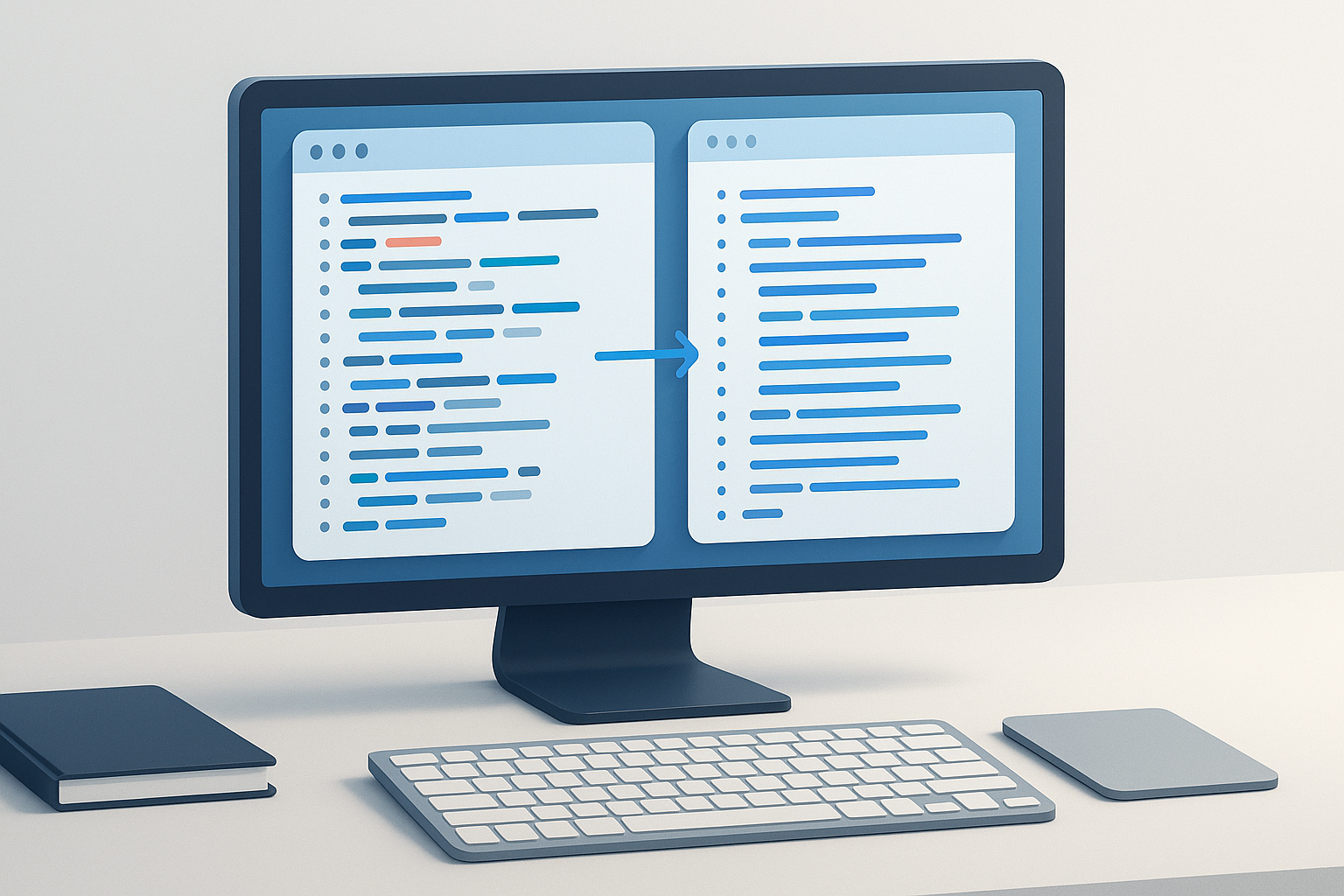
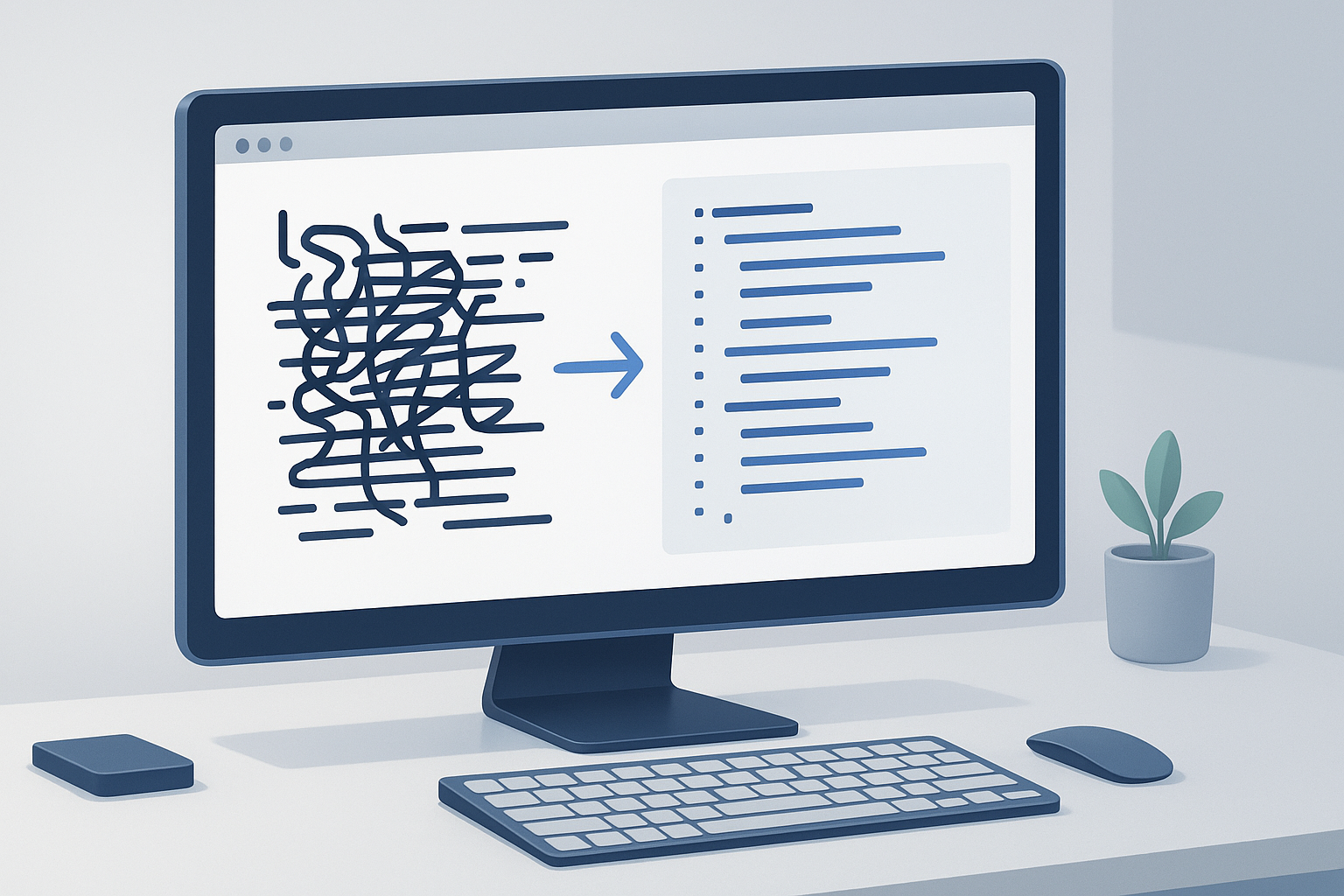
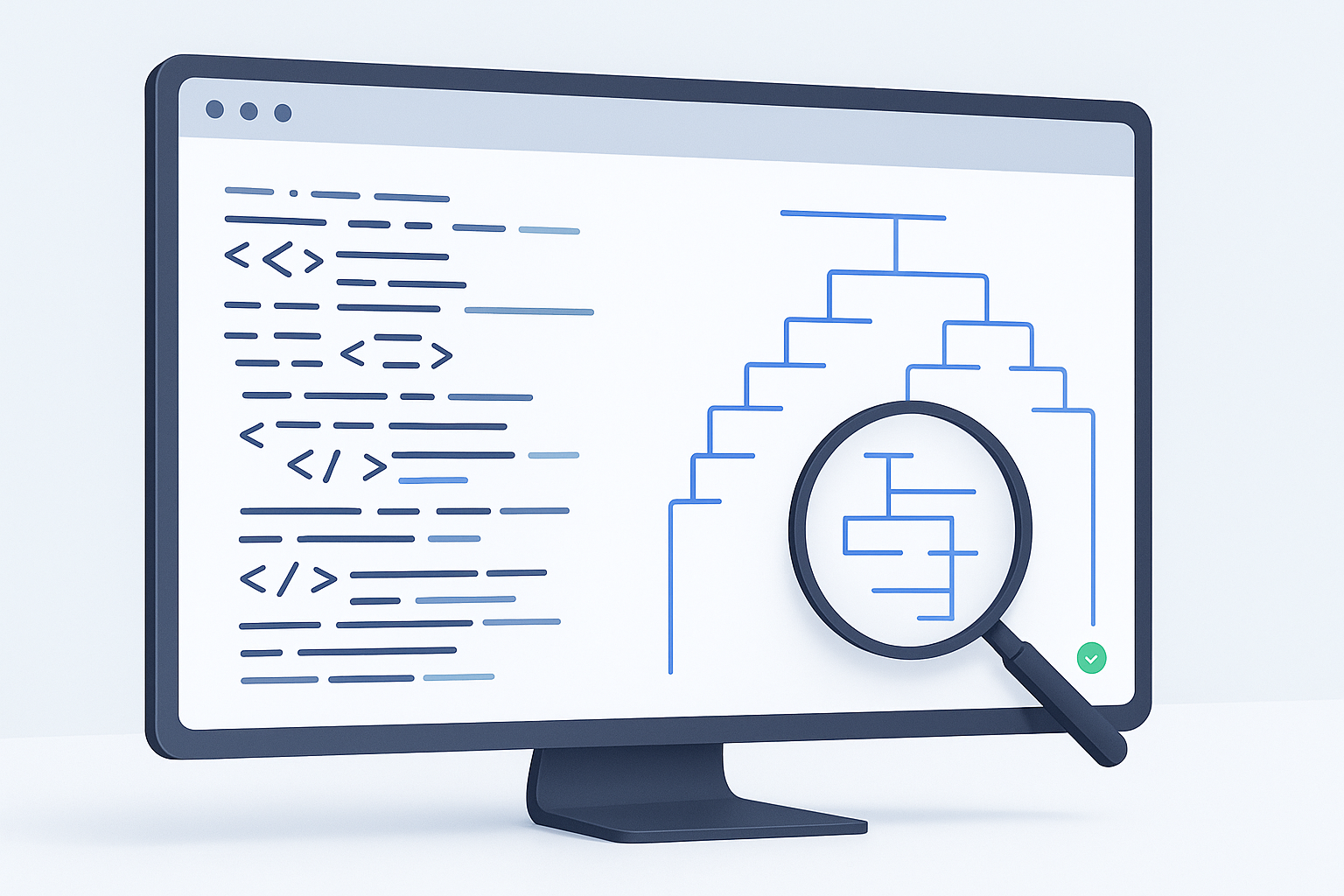
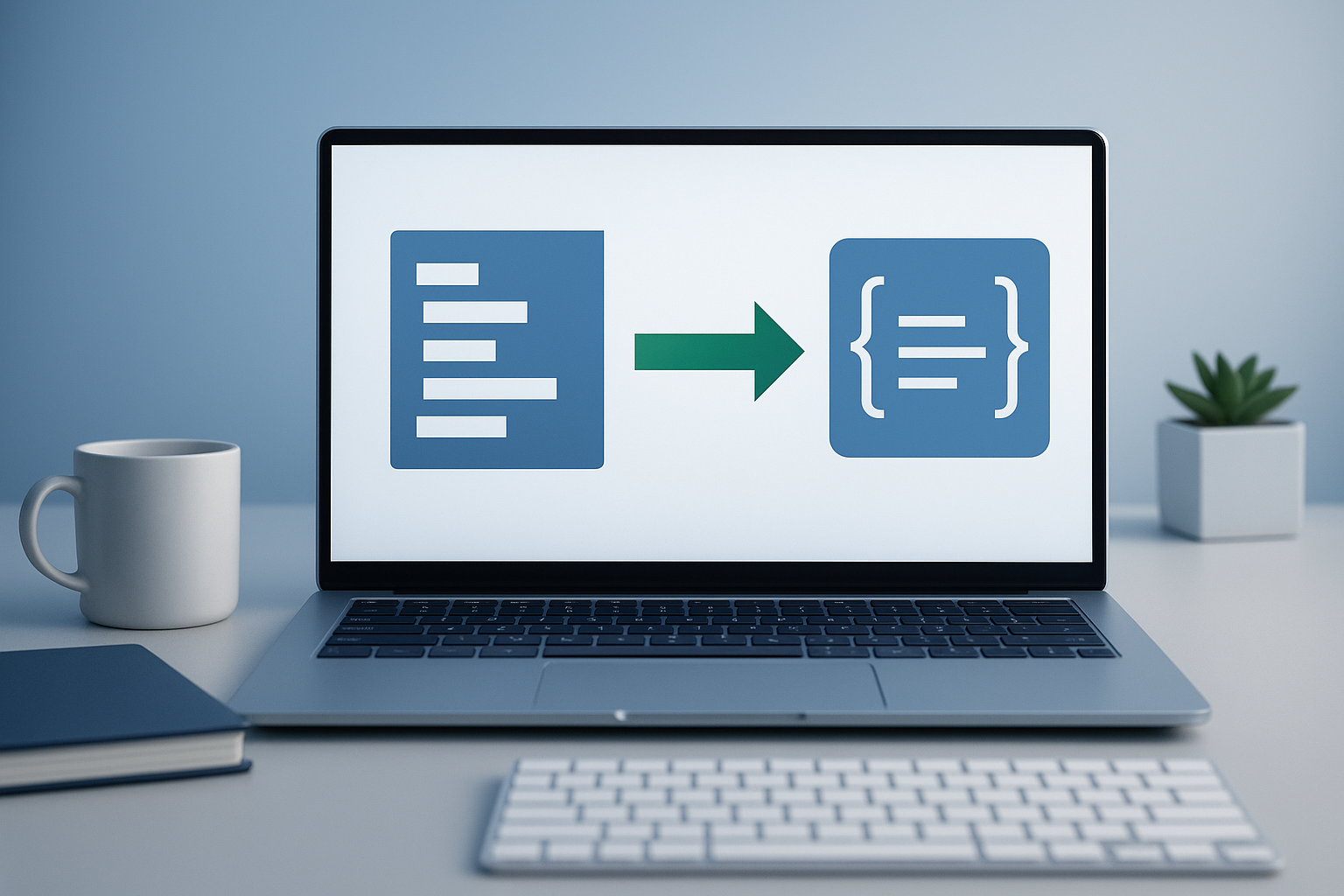
Suggested Image: Modern developer workflow showing XML input transformed into JSON output
How to convert XML to JSON step by step
If you want a dependable result, the best approach is to convert the data in stages rather than pasting and hoping for the best. A simple workflow looks like this.
- Check that the XML is complete. Make sure opening and closing tags match, special characters are escaped properly, and the document is not cut off.
- Validate the XML if needed. If the source comes from an API, export tool, or manual copy-paste, invalid syntax is a common reason conversions fail.
- Paste the XML into a converter. Use a trusted converter that preserves nested elements and handles repeated tags clearly.
- Run the conversion. The tool will transform tags, attributes, and values into JSON objects, arrays, and properties.
- Inspect the output structure. Pay attention to repeated elements, empty tags, and how attributes were converted.
- Format or prettify the JSON. Readable indentation makes debugging much easier.
- Test the result in your workflow. If the JSON will be used in code, make sure your parser or application reads it correctly.
How an online XML-to-JSON converter helps
An online converter is useful when you need a fast transformation without setting up a local script or package. It is especially helpful for debugging payloads, testing feeds, reviewing third-party data, or checking structure before writing code.
If you are using the OpenMultiURL developer tool, the workflow is straightforward: paste XML, convert it, and review the structured JSON result. That can save time when you just need a quick answer instead of building a full parser.
What changes during conversion
Many beginners assume XML and JSON map perfectly. They do not. The biggest source of confusion is that XML has features JSON does not represent in exactly the same way. Understanding these differences helps you avoid bad assumptions in code.
| XML feature | Typical JSON result | What to watch for |
|---|---|---|
| Nested tags | Nested objects | Deep structures can become harder to read |
| Repeated elements | Arrays | Single-item and multi-item output may differ by tool |
| Attributes | Properties with prefixes or grouped keys | Naming style varies between converters |
| Text nodes | String values or special text property | Mixed content can be awkward in JSON |
| Namespaces | Preserved in keys or removed by tool settings | Can affect downstream parsing |
| Empty elements | Null, empty string, or empty object | Important when validating data types |
A clean conversion is not just about getting JSON output. It is about getting JSON that behaves predictably in the system where you plan to use it.
Common XML-to-JSON examples
The easiest way to understand this is through a few small patterns you will see often.
Simple element conversion
An XML element like <name>Alice</name> usually becomes a JSON key-value pair such as "name": "Alice". This is the simplest case and usually converts cleanly.
Repeated elements become arrays
If XML contains several repeated tags, such as multiple <item> elements under one parent, a good converter will usually turn them into a JSON array. This matters because arrays are handled differently in code than single objects.
Attributes need special handling
XML attributes often become properties with prefixes, grouped objects, or alternative naming patterns. There is no universal standard for attribute mapping, so always check the output before using it programmatically.
Best practices for clean conversion
If accuracy matters, a few habits will save you a lot of debugging time.
- Validate the XML first. Malformed input causes most conversion failures.
- Watch for arrays. A tag that appears once today may appear multiple times later.
- Check data types. Converted values usually start as strings unless your system casts them later.
- Review empty values. Null, empty strings, and empty objects can affect application logic.
- Be careful with namespaces. They may appear in keys and change how you access data.
- Do not assume every converter outputs the same shape. Test the tool you plan to rely on.
- Format the result before copying it into code. Readable JSON reduces mistakes.
Common mistakes when converting XML to JSON
Most XML-to-JSON problems are not caused by the conversion itself. They come from assumptions about structure, invalid input, or downstream usage. Here are the most common mistakes and how to avoid them.
Assuming a single item will always stay a single object
This happens when a repeated XML element appears only once in test data. Some converters still output an object instead of an array with one item. Later, production data includes several items and your code breaks. If repeated elements are possible, design for arrays from the start.
Ignoring attributes
Developers sometimes focus only on inner text and forget that useful metadata may live in XML attributes. That can lead to incomplete output or lost values. Always scan the source for attributes before finalizing the conversion.
Forgetting mixed content
XML can contain both text and child elements inside the same parent. JSON handles that less naturally. If your source has mixed content, review the output carefully rather than assuming it will be cleanly flattened.
Copying invalid XML from a browser or response preview
Some browser previews show formatted output that is easy to copy incorrectly. Hidden characters, truncation, or escaped content can break conversion. When possible, copy raw source instead of a rendered preview.
Troubleshooting XML-to-JSON conversion problems
If your conversion fails or the output looks wrong, the issue is usually identifiable. Start with the source, not the converter.
- The converter shows an error: Check for missing closing tags, broken quotes, invalid entities, or incomplete XML.
- The JSON structure looks inconsistent: Look for repeated XML elements that should have become arrays.
- Values are missing: Review whether the data was stored in attributes, not element text.
- Keys look strange: Namespaces or converter-specific attribute prefixes may be affecting the output.
- The JSON is valid but your app fails: The issue may be your expected schema, not the conversion itself.
For syntax and parsing background, the MDN XML documentation and MDN JSON reference are reliable places to review fundamentals.
Should you convert XML to JSON online or in code?
The best approach depends on what you are trying to accomplish. Online tools are great for quick inspections and manual workflows. Code-based conversion is better for automation, production pipelines, and repeatable transformations.
| Method | Best for | Limitation |
|---|---|---|
| Online converter | Quick checks, debugging, one-off transformations | Less suitable for sensitive or high-volume workflows |
| Script or code library | Automation, repeatable pipelines, application logic | Requires setup and testing |
| Built-in platform parser | Enterprise systems or existing backend environments | Feature support and output style vary |
Security and privacy considerations
Before you convert XML online, keep the data itself in mind. Public documentation, test payloads, and non-sensitive feeds are one thing. Internal credentials, customer records, signed messages, and confidential configuration data are another.
Use caution when handling private information. Review the content before pasting it into any web-based tool. If the XML includes secrets, tokens, proprietary business data, or personal information, a local conversion method is usually safer.
Practical use cases for developers and technical teams
XML-to-JSON conversion shows up in more situations than many teams expect. Here are a few realistic examples.
- API debugging: A legacy endpoint returns XML, but your front-end app expects JSON.
- Feed analysis: You need to inspect a supplier or product feed more easily.
- Sitemap review: XML sitemaps are easier to manipulate in some JSON-based workflows.
- Migration work: A team is moving from XML-heavy enterprise systems to modern APIs.
- Test data generation: You need structured sample data for scripts or UI testing.
If you are reviewing multiple feeds, sitemaps, or API endpoints from different sources, opening those URLs one by one can become repetitive. In that kind of research workflow, OpenMultiURL can be useful for opening multiple URLs at once, especially when comparing several XML sources manually.
How XML-to-JSON conversion relates to SEO and web workflows
This topic is not only for application developers. SEO professionals and technical marketers also encounter XML regularly through sitemaps, feeds, and exported data. Converting XML to JSON can make it easier to inspect structures, compare fields, and reuse data in scripts or dashboards.
For example, Google explains XML sitemap expectations in its Search Central sitemap documentation. If you are auditing multiple sitemap files or feed endpoints, converting sample data into JSON can help you review fields more quickly before larger-scale analysis.
Limitations you should understand
There is an important limitation to understand: XML-to-JSON conversion is not standardized in one universal way. The transformed result depends on parsing rules, tool design, and edge cases in the source document.
- Attribute handling varies by tool
- Namespaces may be preserved, flattened, or simplified
- Single repeated elements may not always become arrays
- Comments, processing instructions, or DTD-related details may be ignored
- Mixed content can produce awkward JSON structures
- Very large XML files may be better handled in code than in a browser
In practice, this means you should treat the converted JSON as a structured output to verify, not as unquestionable truth.
Tips for a faster workflow
If you do this regularly, there is a simpler workflow.
- Keep a clean copy of the original XML.
- Validate before converting.
- Use a formatter so nested output is easier to scan.
- Save example payloads for repeated testing.
- Document how your team expects attributes and arrays to be handled.
- Test edge cases, not just happy-path samples.
When your work also involves checking many endpoints, docs, or feed URLs, reducing browser friction matters too. Opening related resources in batches can speed up validation without changing the data itself.
Frequently asked questions
1. What is the easiest way to convert XML to JSON?
The easiest method is to use a reliable online converter for small or one-off jobs. Paste valid XML, run the conversion, and review the JSON structure before copying it into your project. This works well for quick debugging and inspections. For repeated or production workflows, a script or backend parser is usually more dependable.
2. Can XML always be converted to JSON without losing information?
Not perfectly in every case. Basic element structures usually convert well, but XML features like attributes, namespaces, comments, and mixed content do not always map neatly to JSON. Most tools preserve the important content, but the exact structure may change. That is why reviewing the output is essential before using it in applications.
3. Why does my converted JSON show arrays in some cases but not others?
This usually happens when an XML tag repeats. If a converter sees multiple sibling elements with the same name, it often creates an array. But if only one instance appears in your sample data, some tools may output a single object instead. To avoid bugs, assume repeated fields may need array handling even when early test data shows only one item.
4. Is it safe to convert XML to JSON online?
It can be safe for public or non-sensitive data, such as sample payloads, public feeds, or general markup. It is less appropriate for confidential information like access tokens, customer data, internal system exports, or proprietary configuration files. If the XML contains sensitive material, use a local conversion method instead of a web-based tool.
5. What causes XML-to-JSON conversion errors most often?
The most common cause is invalid XML. Missing closing tags, malformed attributes, bad escaping, or incomplete copied content can break parsers. Another common issue is misunderstanding the output structure, especially around arrays and attributes. Start by checking whether the XML itself is valid before assuming the converter is the problem.
6. Should I convert XML to JSON for SEO work?
Sometimes, yes. If you are reviewing XML sitemaps, product feeds, or structured exports, JSON may be easier to inspect or process in scripts. However, conversion is usually for analysis convenience, not because search engines require it. Search engines still expect supported formats in their original specifications, such as XML for standard sitemap files.
7. What is the difference between validating XML and converting XML?
Validation checks whether the XML is properly formed and, in some cases, whether it follows a defined schema. Conversion transforms that XML into another format, such as JSON. A file can fail conversion because it is invalid, even if the intended data is correct. Validation is the quality check. Conversion is the transformation step.
8. When should I use an online converter instead of writing code?
Use an online converter when you need a quick answer, want to inspect a payload, or are testing data manually. Write code when the task is recurring, part of a deployment process, or tied to application logic. Manual conversion is fast for exploration. Programmatic conversion is better for consistency, automation, and long-term maintainability.
Conclusion
If you were searching for how to convert XML to JSON, the simplest answer is this: start with valid XML, use a reliable converter, and always inspect the resulting structure before using it in code or analysis. The conversion itself is usually quick. The real value comes from understanding arrays, attributes, namespaces, and other edge cases that affect how the JSON behaves afterward.
For occasional conversions, an online tool is often enough. For repeated tasks, build a workflow that includes validation and structured review. And if your broader process involves checking multiple feed URLs, sitemaps, or documentation pages at once, OpenMultiURL can help reduce repetitive browser work by opening multiple URLs from a single list.