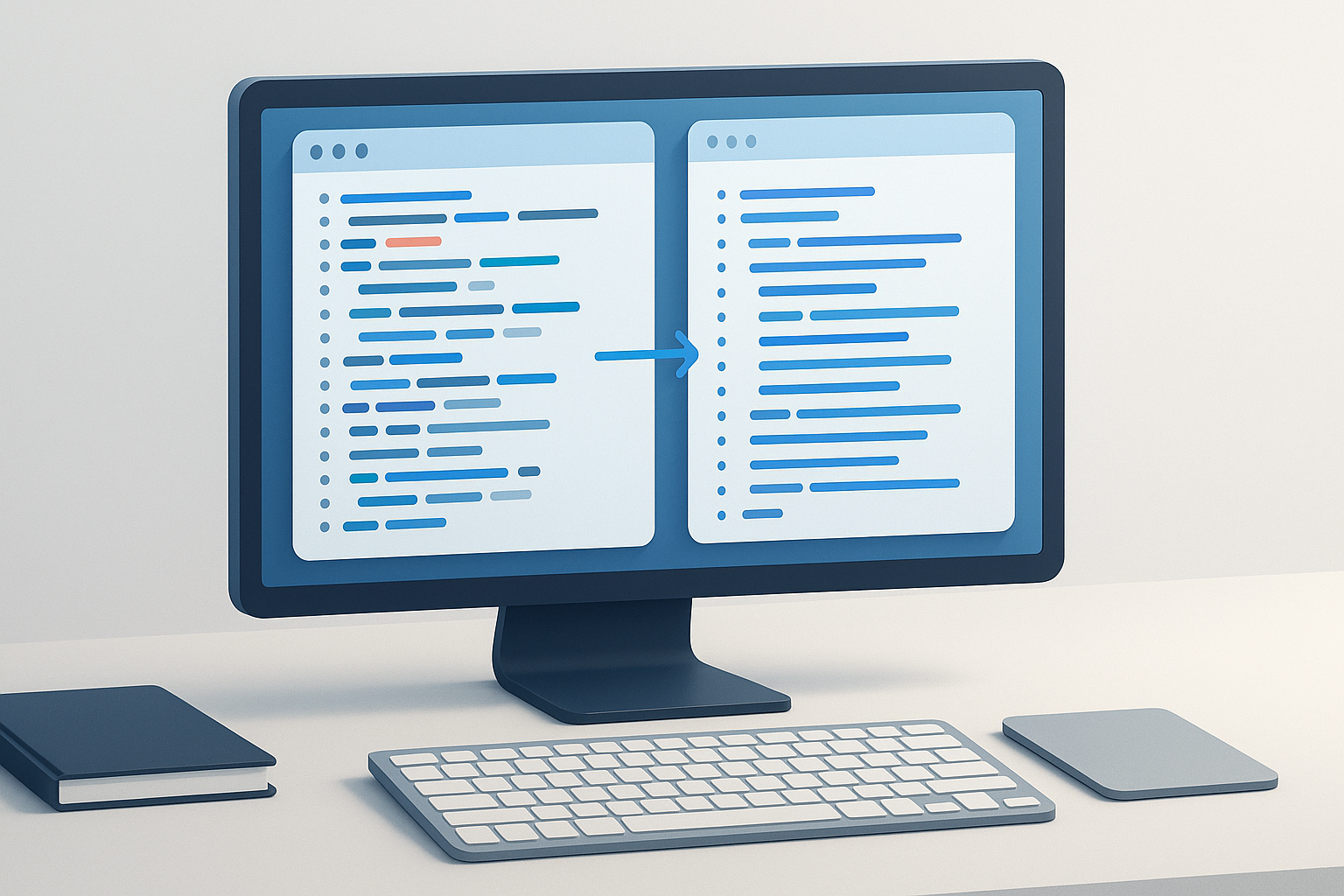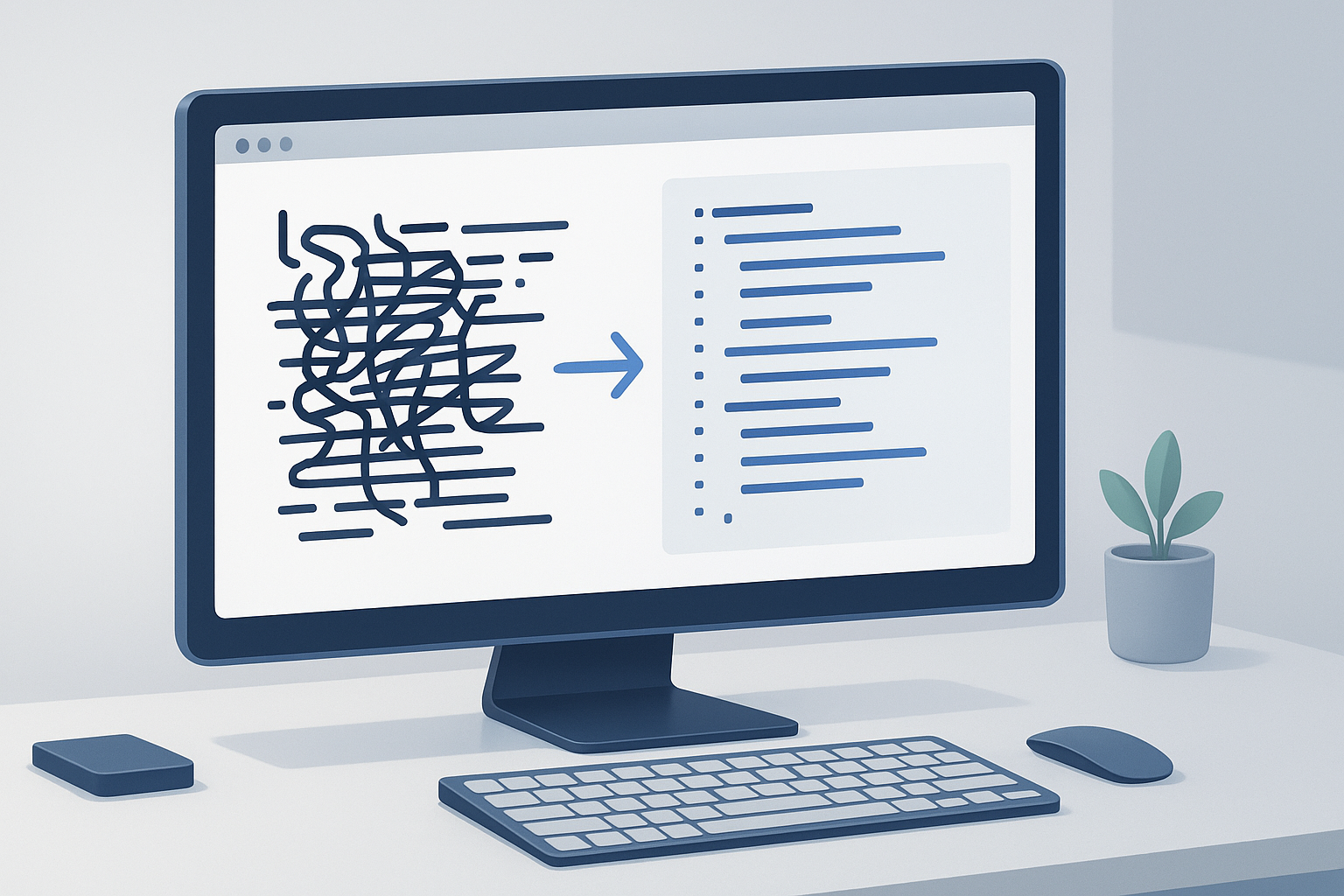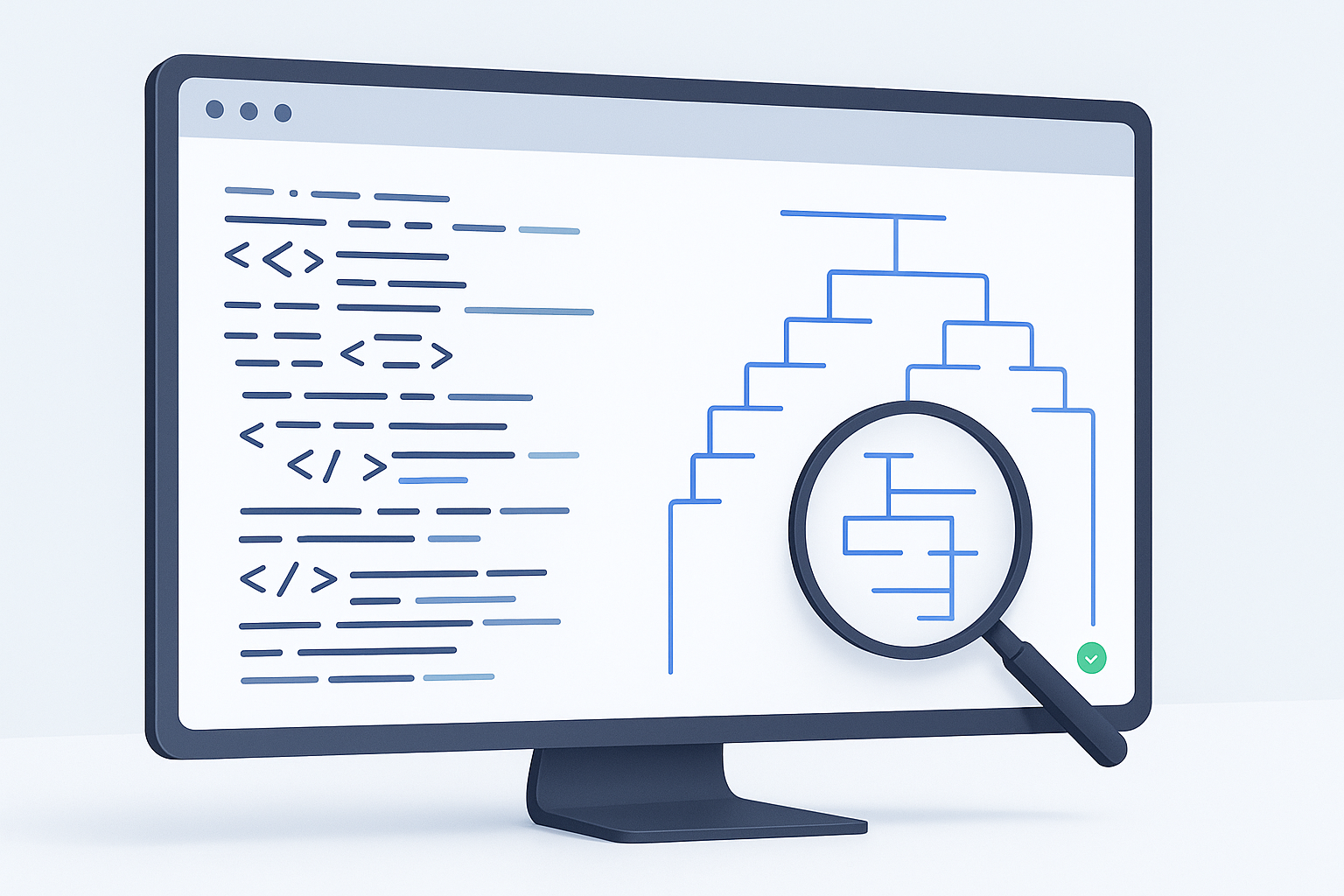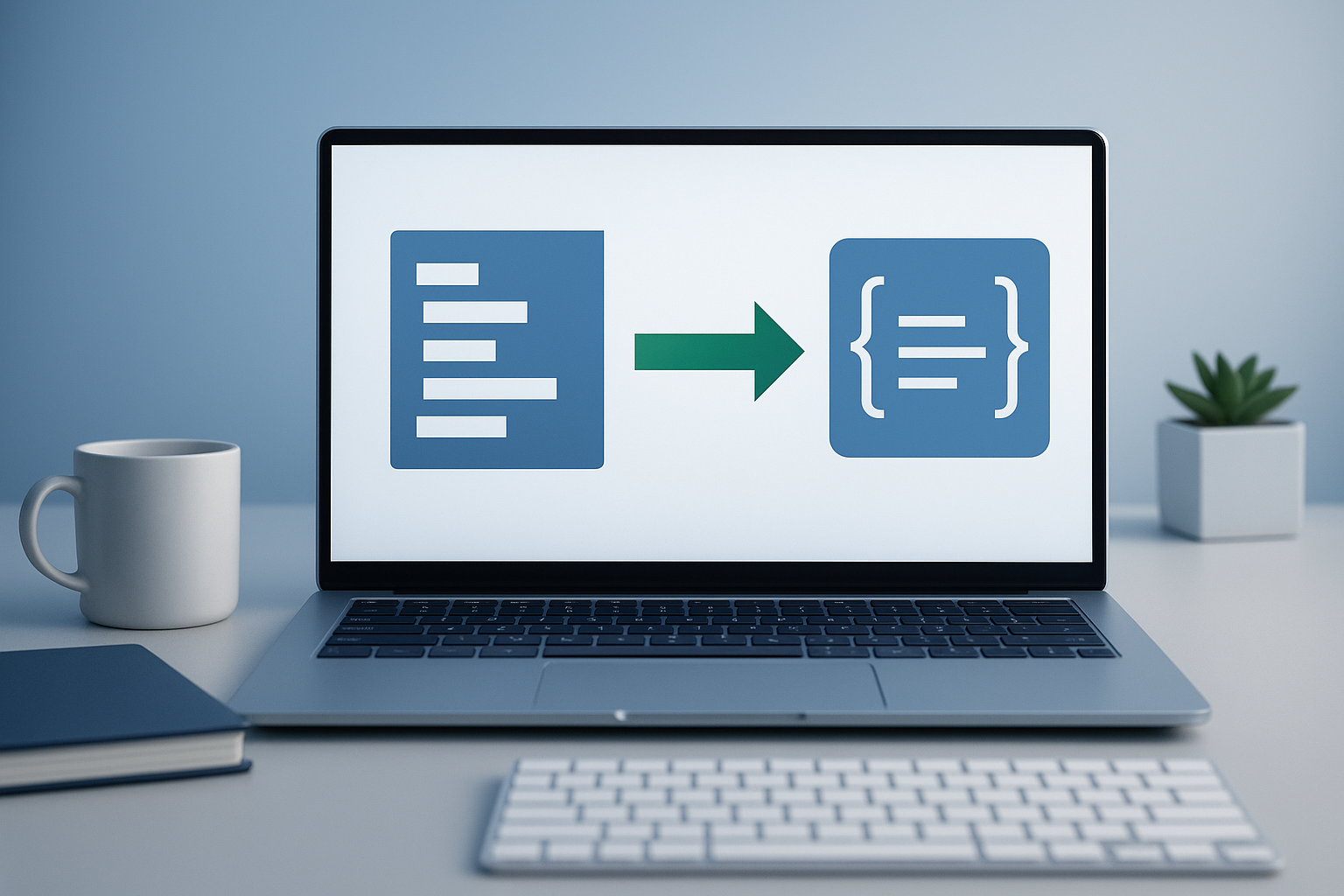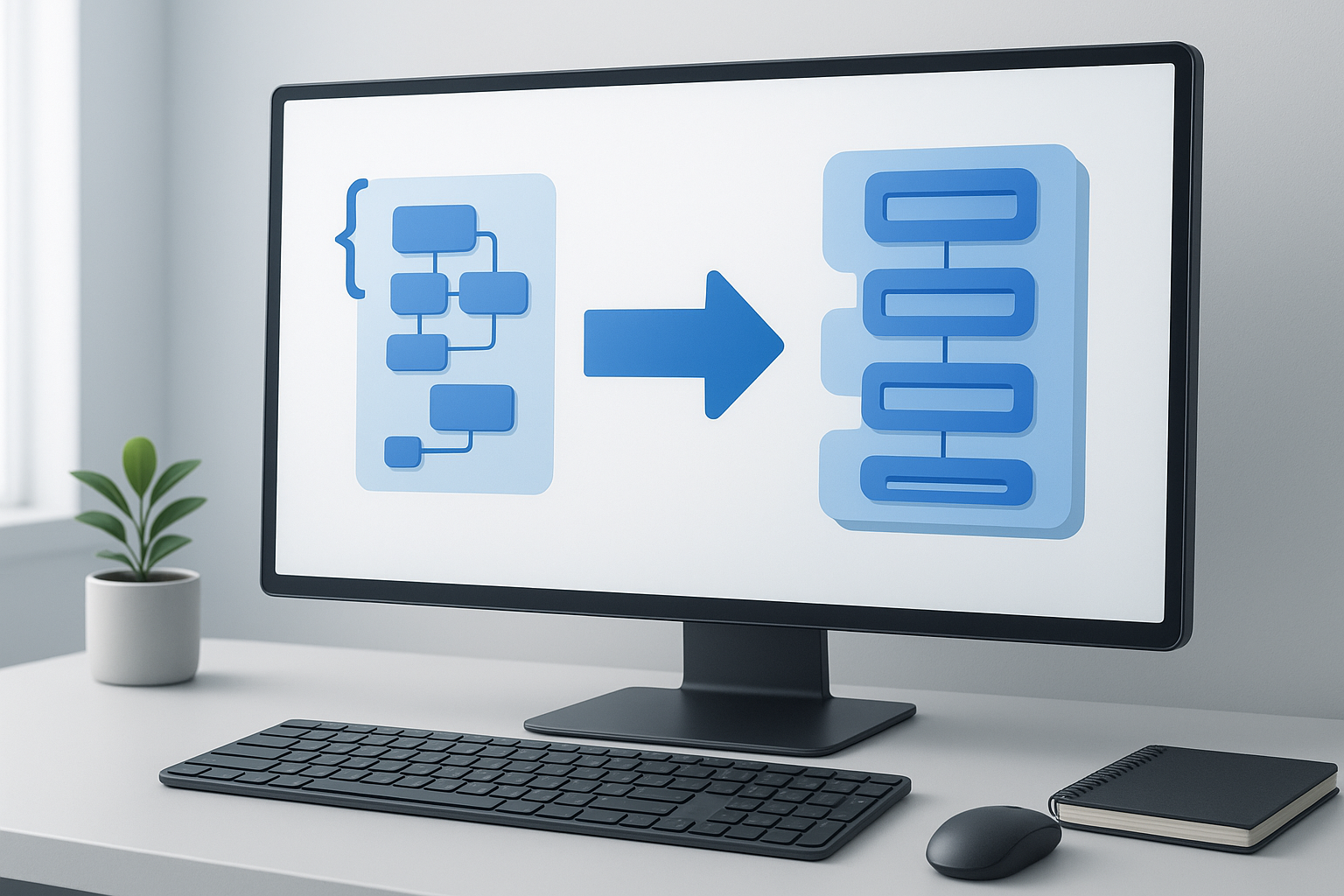
Working with APIs, app settings, or data exports often means switching between formats. One of the most common tasks is figuring out how to convert JSON to XML without breaking the structure, losing values, or wasting time fixing formatting errors by hand. If you’ve ever pasted JSON into a tool and ended up with invalid XML, you’re not alone.
This guide is for developers who need a clear, practical way to move data from JSON format into XML format. You’ll learn what changes during conversion, how to do it step by step, what problems to watch for, and when an online converter makes sense. If you handle structured data regularly, this will save time and help you avoid avoidable parsing issues later in your workflow.
Quick answer: how to convert JSON to XML
To convert JSON to XML, validate the JSON first, map objects and arrays into XML elements, choose a root element, convert keys into tag names, and make sure special characters are escaped correctly. The easiest option is to use a reliable JSON to XML converter online, then review the output to confirm the structure matches what your application or API expects.
What JSON and XML are
JSON and XML are both structured data formats, but they organize information differently. JSON stands for JavaScript Object Notation and is widely used in modern APIs because it is compact and easy for applications to parse. XML stands for Extensible Markup Language and is still common in enterprise systems, configuration files, integrations, feeds, and legacy platforms.
The easiest way to understand the difference is this: JSON organizes data with key-value pairs, arrays, and objects, while XML organizes data with nested tags and attributes. They can represent similar information, but the syntax is not the same.
Simple example
Here is a small JSON example:
{ "user": { "name": "Alex", "role": "Developer" } }
A comparable XML version might look like this:
<user><name>Alex</name><role>Developer</role></user>
Both formats describe the same information. The difference is in how that information is expressed.
Why developers convert JSON to XML
Most developers are not converting formats for the sake of it. They are doing it because a downstream system requires XML, an integration partner uses XML, or a legacy workflow still depends on XML schemas.
Common reasons include:
- Sending data to a SOAP-based or XML-based API
- Transforming app data for older enterprise systems
- Generating XML feeds or configuration files
- Migrating data between systems with different format requirements
- Testing how the same payload behaves across multiple tools
In practice, this means conversion is not just about syntax. You also need the resulting structure to be usable by the target system.
A successful conversion preserves meaning, not just formatting.
How to convert JSON to XML step by step
If you’re learning how to convert JSON to XML, the safest process is to validate first, convert second, and review last. That reduces the risk of passing technically valid but structurally incorrect XML into another application.
- Check that the JSON is valid. Make sure objects, arrays, quotes, commas, and braces are correct. A single syntax error in JSON can cause the entire conversion to fail.
- Identify the top-level structure. Look at whether your JSON begins with an object or an array. XML requires a single root element, so this matters immediately.
- Choose or confirm the root element. If your converter asks for a root node, use a descriptive name such as
users,products, orresponse. - Convert JSON keys into XML tags. In most conversions, JSON property names become XML element names. Nested objects become nested elements.
- Handle arrays carefully. Arrays usually become repeated XML elements. This is one of the most common places where structure becomes unclear, so always review the result.
- Escape special characters. XML treats characters such as
<,>, and&specially. A good converter should encode them properly. - Review null values, booleans, and numbers. JSON data types do not always map cleanly to XML. XML stores text unless additional schema rules are applied.
- Validate the XML output. Before using it in production, check that the XML is well-formed and accepted by the target system.
Suggested Image: Step-by-Step JSON to XML Conversion Workflow
Using an online JSON to XML converter
For quick development work, an online converter is often the fastest option. It is especially useful when you need to inspect structure, troubleshoot payloads, or convert sample data during testing.
A simple workflow looks like this:
- Paste your JSON into the input field.
- Run the conversion.
- Review the generated XML.
- Copy or download the output.
- Test it in the application, API, or parser that needs XML.
This approach is practical for ad hoc development tasks, learning, and debugging. If you do this regularly in a codebase, a script or library may be a better long-term solution.
What changes during conversion
JSON and XML are not identical data models, so some interpretation happens during conversion. This is where many formatting mistakes begin.
Objects become nested elements
A JSON object usually maps to a section of nested XML tags. For example, a JSON object called address containing city and zip would typically become an <address> element with child elements inside it.
Arrays become repeated elements
A JSON array like "tags": ["seo", "api", "xml"] usually becomes repeated XML nodes. Depending on the converter, that may look like repeated <tag> elements or repeated generic item nodes inside a parent tag.
Primitive values become text nodes
Strings, numbers, and booleans are usually inserted as text inside XML elements. XML itself does not strongly enforce data types unless a schema is involved.
Null values may be handled differently
Some converters omit null fields entirely. Others create empty tags. A few may use attributes such as xsi:nil="true" if XML schema support is involved. Always verify how your tool handles nulls before relying on the output.
JSON to XML mapping examples
Examples make this easier to see. Here are common patterns developers run into.
| JSON pattern | Typical XML result | Important note |
|---|---|---|
{ "name": "Alex" } |
<name>Alex</name> |
Simple key-value mapping |
{ "user": { "id": 7 } } |
<user><id>7</id></user> |
Nested object becomes nested elements |
{ "tags": ["a","b"] } |
Repeated child elements | Array naming may vary by converter |
{ "active": true } |
<active>true</active> |
Boolean becomes text unless schema says otherwise |
{ "value": null } |
Empty or omitted element | Needs manual review |
Common formatting issues when converting JSON to XML
Even when the conversion appears successful, the output may not be usable. These are the issues that cause the most trouble.
Invalid XML tag names
JSON keys can contain characters or naming patterns that are awkward in XML. For example, keys beginning with numbers or containing certain symbols may need cleanup. XML element names have naming rules defined by standards, so not every JSON key is a perfect match.
Arrays with unclear element names
Some tools convert arrays into repeated generic nodes such as <item>. That is still valid XML, but it may not match the structure your target system expects.
Loss of type information
JSON distinguishes strings, numbers, booleans, arrays, objects, and null values clearly. XML by itself is mostly textual. If the target system depends on strict data types, conversion alone may not be enough.
Special character problems
Characters like ampersands and angle brackets must be escaped in XML. If they are not, the output may break parsing immediately.
Missing root element
Valid XML needs one top-level root element. JSON arrays at the top level often need to be wrapped during conversion.
Best practices for accurate conversion
The best approach depends on what you’re trying to accomplish. If you only need a quick visual conversion, convenience matters. If the XML will power a real system, accuracy matters more than speed.
- Validate input before converting. Bad JSON creates confusing output and wastes debugging time.
- Use descriptive root elements. This makes the XML easier to read and process.
- Review arrays manually. Array handling differs widely across tools and libraries.
- Test with realistic payloads. Small demos rarely reveal problems with nulls, nested objects, or repeated records.
- Confirm target-system expectations. Some systems require specific node names, order, namespaces, or attributes.
- Avoid exposing sensitive data. If your JSON contains tokens, personal data, or confidential payloads, be careful where you paste it.
If you’re converting production data, review your organization’s security policy before using any browser-based tool.
Manual conversion vs converter tools vs scripts
There is no single best method for everyone. Choose based on how often you need to convert data and how precise the output must be.
| Method | Best for | Pros | Limitations |
|---|---|---|---|
| Manual conversion | Very small samples | Full control | Slow and error-prone |
| Online converter | Quick tests and learning | Fast and convenient | May need manual review of output |
| Script or library | Repeatable workflows | Automated and scalable | Needs implementation and testing |
When an online converter is the best choice
An online tool is especially useful when you need to:
- Quickly inspect how a JSON structure maps to XML
- Debug API payloads during development
- Convert sample files for documentation or QA
- Prepare test inputs before writing automation
- Help teammates understand data structure differences
For repeated research, QA, or documentation tasks, browser productivity matters too. If your workflow also involves opening many API docs, references, issue links, or validation pages at once, OpenMultiURL can help you open multiple URLs from a prepared list instead of loading them one by one.
Practical developer use cases
Conversion becomes easier when you think in terms of a real workflow rather than just syntax.
API integration testing
A developer receives JSON from a modern service but needs XML for an older partner API. Converting a sample payload helps confirm required field names and value placement before writing a transformation layer.
Legacy system support
An internal application exports data as JSON, but the receiving enterprise platform accepts XML uploads. A converter helps create a working sample that the team can validate against system rules.
Documentation and debugging
Technical writers and developers often need to show both formats side by side. Converting JSON to XML makes examples easier to compare during troubleshooting or onboarding.
Schema planning
Before building a formal XML schema, teams may first convert representative JSON documents to see how deeply nested data behaves and where attributes or repeated nodes may be needed.
Suggested Illustration: JSON Object to XML Element Mapping Example
Limitations you should understand
There is an important limitation to understand: conversion does not guarantee semantic equivalence. A tool can produce valid XML that still fails in the real destination system.
- XML schemas may impose extra rules. Well-formed XML is not the same as schema-valid XML.
- Attributes are not automatically inferred. JSON keys usually become elements, not XML attributes, unless a tool or custom mapping says otherwise.
- Namespaces may be missing. Some XML workflows require namespaces that generic converters do not add.
- Array naming can be ambiguous. XML does not have a native array concept, so the structure may need custom adjustment.
- Ordering may matter. Some XML consumers expect elements in a specific sequence.
Troubleshooting JSON to XML conversion problems
If your output looks wrong or the target system rejects it, these checks usually solve the problem faster than starting over.
The converter says the JSON is invalid
Look for missing commas, unmatched braces, or improperly quoted strings. JSON syntax is strict. A validator or formatter can help reveal the exact issue.
The XML output is valid but the API rejects it
The structure may be technically correct but incompatible with the schema or expected field naming. Compare the required XML format from the API documentation with your generated output.
Arrays are converted in an unexpected way
This is common. Review whether the target system expects repeated nodes, wrapper elements, or specific singular item names. Generic converters often make an assumption that may not match your need.
Special characters break parsing
Check whether reserved XML characters were correctly escaped. If the data contains HTML, query strings, or encoded content, this matters even more.
Top-level JSON array fails to convert cleanly
Wrap it with a meaningful root node before conversion if your tool does not do that automatically.
Authoritative references for technical validation
If you need to verify the technical rules behind formatting and parsing, these official sources are useful:
- RFC 8259: The JavaScript Object Notation (JSON) Data Interchange Format
- MDN introduction to XML
- W3C XML overview
- MDN JSON glossary reference
Frequently asked questions
Can JSON always be converted to XML without data loss?
Not always in a perfect one-to-one way. Most JSON data can be represented in XML, but some meaning may become less explicit unless you define extra rules. Arrays, null values, booleans, and nested structures usually need careful review. XML can represent the data, but the exact structure may differ from what a target system expects.
What is the main difference between JSON and XML during conversion?
The main difference is structure. JSON uses objects, arrays, and key-value pairs, while XML uses nested elements, attributes, and text nodes. During conversion, objects usually become nested tags, arrays become repeated elements, and data types often become plain text unless a schema adds more meaning.
Is it better to convert JSON to XML manually or with a tool?
For anything beyond a tiny example, a tool is usually better. Manual conversion gives you control, but it is slow and easy to get wrong. An online converter is good for quick tests and small tasks. If conversion is part of a recurring workflow, a script or application library is usually more reliable.
Why does my JSON array become repeated XML items?
Because XML does not have a built-in array type the way JSON does. Converters usually represent arrays by repeating the same child element under a parent node. The exact tag name depends on the converter’s logic. This is why arrays should always be reviewed after conversion.
Can I convert JSON to XML for API testing?
Yes, and that is one of the most common use cases. It helps when you need to test legacy APIs, XML-based integrations, or compare expected payload formats. Just remember that valid XML is only the first step. The destination API may still require exact field names, order, namespace rules, or schema compliance.
What should I check before using an online converter?
First, make sure your JSON is valid. Second, check whether the data contains anything sensitive, such as tokens, customer details, or internal configuration values. Third, confirm whether you need basic well-formed XML or a specific XML schema structure. Online tools are convenient, but they are best for safe, non-sensitive conversion tasks unless your policies clearly allow otherwise.
Do XML attributes come from JSON automatically?
Usually no. Most simple converters turn JSON keys into XML elements, not attributes. If your target XML format requires attributes, you may need a more advanced mapping rule or a custom transformation step after the initial conversion. This is a common source of confusion for beginners.
How can I make repeated conversion work more efficiently?
Use a repeatable workflow. Keep sample payloads organized, name files clearly, validate JSON before conversion, and save approved XML outputs for comparison. If your daily process involves opening multiple documentation pages, schema references, or test endpoints, tools that simplify bulk URL handling can reduce browser friction and make debugging easier.
Conclusion
Learning how to convert JSON to XML is mostly about understanding structure, not just pressing a convert button. Start with valid JSON, choose a clear root element, review arrays and null values carefully, and always check whether the resulting XML matches the requirements of the system that will consume it.
For quick tests, an online converter is often the simplest route. For recurring technical work, build a repeatable review process so formatting errors do not slow down integration or debugging. And if your workflow includes opening lots of API docs, test pages, or reference links during development, OpenMultiURL can help reduce repetitive browser work by opening multiple URLs at once.