Messy URL lists create more problems than most people expect. You paste links from spreadsheets, emails, analytics exports, or search results, and suddenly the same page appears multiple times. That leads to wasted clicks, duplicated review work, inaccurate counts, and extra browser tabs you never needed. If you want to remove duplicate URLs from a list, the good news is that the process is usually simple once you know what counts as a duplicate and what does not.
This guide is for general web users, researchers, marketers, SEO teams, students, and anyone managing batches of links. You will learn how URL deduplication works, when duplicate links should be removed carefully, how to clean a list step by step, and what technical details can change the result. If you regularly work with many links at once, this will help you build a cleaner and more reliable workflow.
Quick answer
To remove duplicate URLs from a list, paste all links into a deduplication tool or spreadsheet, standardize obvious formatting issues, and keep only one instance of each exact URL. If needed, decide whether variations such as http vs https, trailing slashes, or tracking parameters should count as duplicates before cleaning the list.
What does it mean to remove duplicate URLs from a list?
Removing duplicate URLs means identifying repeated links in a group and keeping only one copy of each. In the simplest case, duplicates are exact matches. For example, if the same full URL appears ten times, you usually only need it once.
Here’s where many beginners get confused. Two URLs can look similar but still be technically different. A link ending in /page and one ending in /page/ may lead to the same content on some websites, but not always. The same is true for links that use different parameters, subdomains, or protocols.
A clean URL list saves time, but accurate deduplication depends on knowing whether two links are truly the same page or only look similar.
Why duplicate URLs matter
Duplicate links are not just a formatting problem. They affect how efficiently you research, organize, share, and review web pages. If your list contains repeats, you may waste time revisiting the same content without realizing it.
- Research workflows: You may open the same source multiple times.
- SEO audits: Duplicate URLs can distort page counts and crawl lists.
- Outreach and sharing: Repeated links make a list look unorganized.
- Browser productivity: Duplicate links often lead to unnecessary tabs.
- Spreadsheets and reports: Repeats can create misleading totals.
If your next step is opening the cleaned list in a browser, a duplicate-free set matters even more. Opening the same page again and again is a common friction point in bulk URL workflows.
What counts as a duplicate URL?
The right answer depends on your goal. Sometimes only exact duplicates should be removed. In other cases, near-duplicates should also be grouped together. The best approach depends on what you’re trying to accomplish.
Exact duplicates
These are identical character-for-character matches, such as two copies of https://example.com/page. Exact deduplication is the safest method because it does not assume that similar-looking URLs are equivalent.
Near-duplicates
These are URLs that may lead to the same content but are not written exactly the same way. Common examples include:
http://example.comvshttps://example.comexample.com/pagevsexample.com/page/www.example.comvsexample.com- URLs with tracking parameters such as
?utm_source=newsletter - Capitalization differences in parts of the URL
There is an important limitation to understand. Similar URLs are not always duplicates. Some websites treat those variations as separate resources. According to MDN’s explanation of URLs, a URL is a structured address, and even small changes can point to a different location or request.
When you should remove duplicates carefully
Deduplication sounds straightforward, but context matters. If your list is for browsing convenience, aggressive cleanup may be helpful. If your list is for SEO, analytics, debugging, or technical audits, you may need to preserve meaningful variations.
| Use case | Best deduplication approach | Why |
|---|---|---|
| Opening links for reading | Remove exact duplicates and likely repeats | Reduces wasted tabs and repeated reviews |
| SEO crawl analysis | Start with exact duplicates only | Parameters and protocol differences may matter |
| Campaign reporting | Review parameter handling carefully | UTM tags may represent tracking distinctions |
| Bookmark or resource lists | Normalize obvious variants where safe | Makes the list cleaner and easier to maintain |
How to remove duplicate URLs from a list step by step
If you want a practical workflow, start simple. Clean the formatting first, then remove exact duplicates, then review any similar-looking links manually if needed.
- Collect all URLs into one plain list. Put every link into a single column, text file, or input box so you can review them together. Mixing links across multiple sources makes duplicates harder to spot.
- Remove obvious spacing problems. Extra spaces before or after a URL can cause a false mismatch. Clean pasted text before deduplicating.
- Use exact-match deduplication first. This is the safest way to remove duplicate URLs from a list because it only removes links that are literally repeated.
- Review similar variants separately. Check whether protocol changes, trailing slashes, or parameters should be kept or merged based on your goal.
- Export or copy the cleaned list. Once repeats are removed, save the final version so you do not have to clean it again later.
- Verify unfamiliar links before opening them. Deduplication improves efficiency, but it does not verify safety. Always inspect unknown URLs before browsing them.
If your next task is opening the cleaned set, OpenMultiURL can help you open multiple URLs at once after you finish deduplication. That is especially useful for review, research, or content comparison workflows.
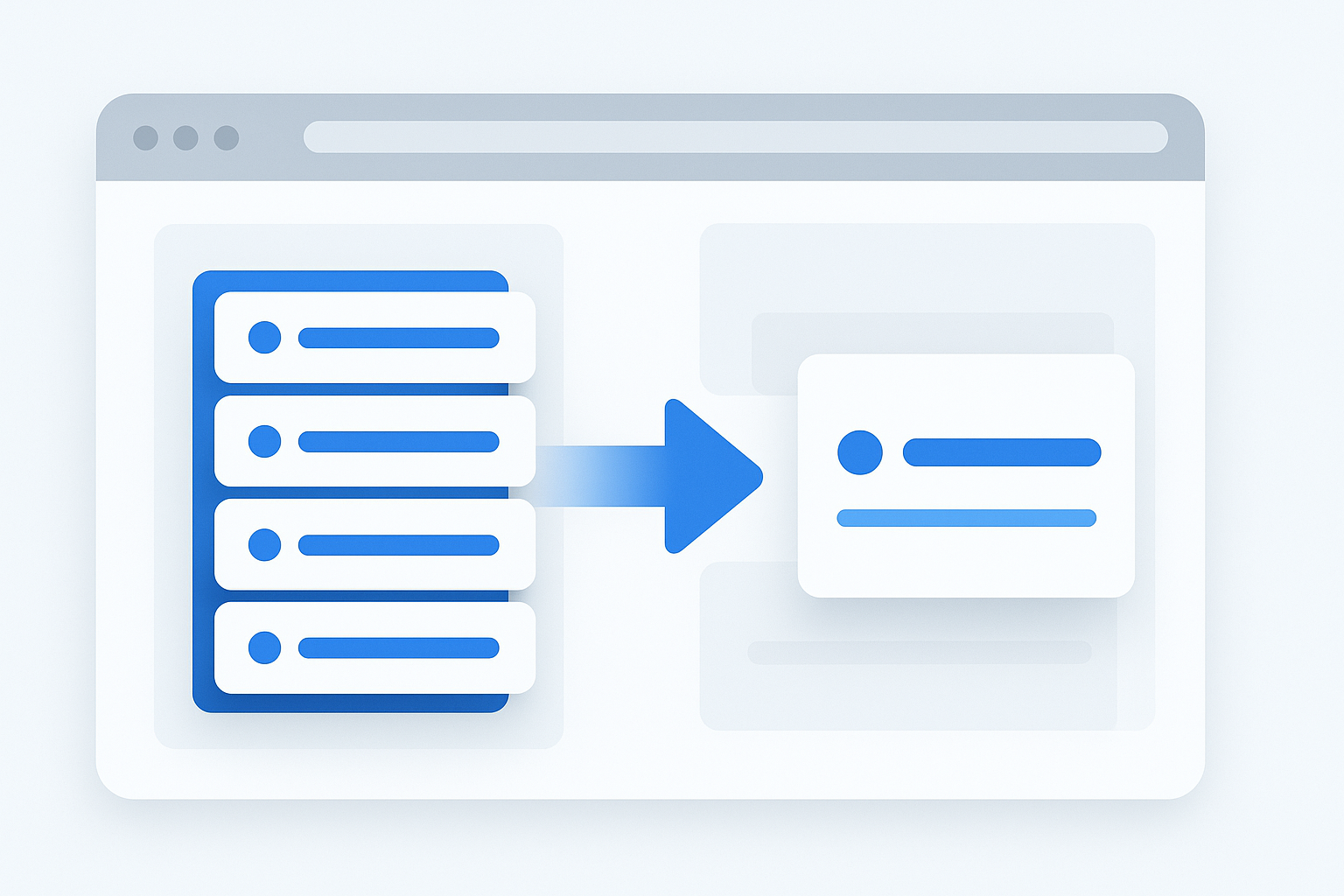
Suggested Image: Clean URL list being deduplicated before opening multiple links
Common ways to remove duplicate URLs
There is no single best method for everyone. The right option depends on how often you do this, how technical your workflow is, and whether you need exact or more advanced deduplication.
Using a URL deduplication tool
This is usually the fastest option for general users. You paste your list, let the tool identify repeated entries, and copy the cleaned result. It works well when you need a quick answer without building formulas or scripts.
If your workflow begins with cleaning links before opening them in a browser, a simple online deduplicator is often enough.
Using a spreadsheet
Spreadsheets are useful when your URLs already live in a workbook. Most spreadsheet apps have built-in duplicate removal features or formulas for unique values. This approach is convenient if you also need sorting, tagging, or filtering.
Keep in mind that spreadsheet handling may vary across Excel, Google Sheets, and other tools, and interface labels can change over time.
Using scripts or command-line tools
This is best for large datasets or repeatable technical workflows. Developers and advanced SEO professionals sometimes normalize URLs with scripts before deduplicating them. That gives more control, but it also creates more risk if normalization rules remove meaningful distinctions.
URL variations that often confuse people
Before you remove duplicate URLs from a list too aggressively, understand the most common variations. Some are harmless. Others may point to different content, analytics states, or device experiences.
HTTP vs HTTPS
http:// and https:// are different schemes. Many sites redirect HTTP to HTTPS, but that does not mean they are always interchangeable. Google recommends using HTTPS where possible, and its guidance on duplicate URL consolidation explains why canonical handling matters when similar URLs exist.
Trailing slashes
/page and /page/ may or may not be treated the same by a server. Never assume they are duplicates in technical auditing unless you have verified the site’s behavior.
Uppercase and lowercase letters
Domain names are generally case-insensitive, but path handling can vary by server. In practice, many sites treat uppercase and lowercase paths differently.
Query parameters
Parameters are the part after a question mark, such as ?id=123 or ?utm_source=email. Some parameters only track campaigns. Others change the content shown on the page. Google Search Console documentation on canonicalization and URL variations is useful background if you work in SEO.
Fragments
A fragment is the part after #, such as #section-2. Fragments usually point to a location within a page and are often ignored by servers in standard requests, but they can still matter for navigation or JavaScript-based experiences.
Best practices for cleaning messy link lists
A good workflow is not just about deleting repeats. It is about making the list reusable, understandable, and safe to work with later.
- Keep the original raw list. Save an untouched version before editing.
- Deduplicate in stages. Start with exact matches, then decide whether to merge variants.
- Label your purpose. A list for browsing is different from a list for SEO auditing.
- Use one URL per line. This makes cleanup and later processing much easier.
- Watch for broken paste formatting. Line breaks, tabs, and spaces often cause errors.
- Review suspicious domains manually. Do not bulk open unfamiliar URLs without checking them.
- Store cleaned lists by project. Separate research, outreach, and audit links.
The goal is not just to shorten a list. The goal is to make every remaining URL useful.
Practical examples
The easiest way to understand this is through real workflows.
Example 1: SEO page review
An SEO specialist exports URLs from a crawl, sitemap, and analytics platform. Many pages appear in all three sources. Exact deduplication removes repeated entries first. Then the specialist reviews parameter versions separately because some represent filtered pages that still matter for analysis. For background on sitemaps, the Sitemaps protocol specification explains how URLs are listed and structured.
Example 2: Content research
A writer gathers article links from search results, newsletters, and notes. Several links repeat because the same source was found in multiple places. After cleaning the list, the writer can review only unique pages and avoid opening the same article again.
Example 3: Team resource sharing
A project manager sends a reference list to a team. If the list contains duplicates, it looks unfinished and wastes everyone else’s time. A quick deduplication pass makes the document cleaner and easier to use.
Example 4: Bulk browser workflow
Someone preparing a daily review list removes repeated links first, then opens the final set in batches. If you do this regularly, there’s a simpler workflow: clean the list first, then use a multi-link opener only for the unique URLs you actually need.
Common mistakes when removing duplicate URLs
Most errors happen when people confuse similar URLs with identical URLs. A small difference can change everything.
- Removing parameterized URLs without checking them. Some parameters only track campaigns, but others control page state, product filters, or search results.
- Assuming redirects make all variants identical. A redirect often consolidates users onto one page, but the original URLs may still matter in audits or reports.
- Cleaning only visible duplicates. Hidden spaces, line breaks, or encoding issues can make repeated URLs look unique.
- Opening all links before deduplicating. This creates unnecessary tabs and wasted effort.
- Ignoring safety checks. Duplicate removal is not the same as link validation. Inspect unfamiliar domains first.
Limitations to understand
No deduplication method is perfect for every situation. URL behavior depends on servers, site architecture, and browser handling.
- Exact-match tools do not understand intent. They remove only literal repeats unless extra normalization is applied.
- Normalization can be risky. Merging URL variants may accidentally collapse pages that should stay separate.
- Website behavior varies. Some sites redirect variants; others serve unique content.
- Browser interfaces can change. If you later open many URLs, tab handling depends on the browser and version.
- Some pages require sign-in. Cleaning a list does not bypass authentication or access restrictions.
Troubleshooting a URL list that still looks wrong
If your deduplicated list still contains items that seem repeated, the issue is usually formatting or URL variation rather than tool failure.
Problem: the same page still appears more than once
Possible reasons include protocol differences, trailing slashes, query parameters, or hidden spaces. Compare the full URLs character by character.
Problem: valid URLs were removed by mistake
This often happens when near-duplicates were merged too aggressively. Go back to the original list and repeat the process using exact-match deduplication only.
Problem: a cleaned URL does not open
The page may be unavailable, require login, have moved, or contain a typo. You can also check whether the site redirects to a different canonical version. Google’s documentation on redirects helps explain why one entered URL may resolve to another.
When OpenMultiURL fits into the workflow
This topic naturally connects to bulk browsing. After you remove duplicate URLs from a list, the next step is often opening the remaining links for research, QA, content review, or comparison. That is where OpenMultiURL can be useful as a free online tool for opening multiple URLs at once.
It is not a substitute for careful deduplication, and it does not bypass site restrictions, logins, or browser security behavior. But it can reduce repetitive clicking once your list is already cleaned and ready.
Frequently asked questions
1. What is the easiest way to remove duplicate URLs from a list?
The easiest method is usually an online deduplication tool or a spreadsheet’s built-in unique-value feature. For most users, exact-match deduplication is the safest starting point because it removes repeated links without guessing whether similar-looking URLs are the same page. If you need more advanced cleanup, review protocol, parameter, and slash differences separately.
2. Are URLs with different UTM parameters duplicates?
Sometimes, but not always for your workflow. UTM parameters usually track marketing campaigns rather than change the main content, so many people treat them as duplicates for browsing or content review. However, if you are analyzing campaign attribution, keep them separate. The right choice depends on whether the parameters are only for tracking or actually change the page experience.
3. Should I treat HTTP and HTTPS versions as the same URL?
Not automatically. Many websites redirect HTTP to HTTPS, but they are technically different URLs. For casual browsing, you may choose to keep the secure HTTPS version only. For SEO or technical audits, it is better to review them carefully because redirects, canonical signals, and internal linking consistency can matter.
4. Does removing duplicate URLs improve SEO?
Cleaning your own lists does not directly improve rankings by itself. What it does improve is workflow quality. You can audit pages more accurately, avoid counting the same page multiple times, and reduce confusion in reporting or research. If you are managing a site, understanding duplicate URL handling can support better technical SEO decisions, but list cleanup alone is not a ranking tactic.
5. Can I remove duplicates before opening many links in a browser?
Yes, and that is usually the better approach. If you deduplicate first, you avoid opening the same page multiple times, which saves tabs and reduces clutter. This is especially useful when reviewing search results, checking references, or comparing competitor pages. After cleanup, a multi-URL opener can make the next step much faster.
6. Why do some duplicates remain after cleanup?
The remaining links may not be exact duplicates. Differences in uppercase letters, tracking parameters, trailing slashes, fragments, or hidden spaces can cause two URLs to look the same at a glance while still being different strings. If they appear repeated, inspect the full address carefully and decide whether you need exact deduplication or a more normalized review process.
7. Is it safe to open a cleaned list of URLs automatically?
Only if you trust the links. Deduplication removes repeats, but it does not confirm that a URL is safe, working, or appropriate to open. Before bulk-opening unknown links, check the domains, look for suspicious spelling, and avoid opening anything that seems deceptive. Safe browsing habits still matter even when the list is organized.
8. What should I do with the original list after deduplicating?
Keep it. Saving the original list gives you a fallback if you later realize that some URL variants should not have been merged or removed. A practical workflow is to store both versions: the raw input and the cleaned output. That makes your process more transparent and easier to audit later.
Conclusion
If you need to remove duplicate URLs from a list, start with exact matches, then review similar URL variations only when your goal requires it. That simple approach prevents wasted clicks, cleaner reports, and less browser clutter. The more important your workflow is, the more careful you should be with parameters, redirects, protocol differences, and trailing slashes.
Once your list is clean, tools that help you work with multiple links become much more useful. If your next step is opening the final set for review, OpenMultiURL can help you handle multiple URLs at once without repetitive manual clicking.