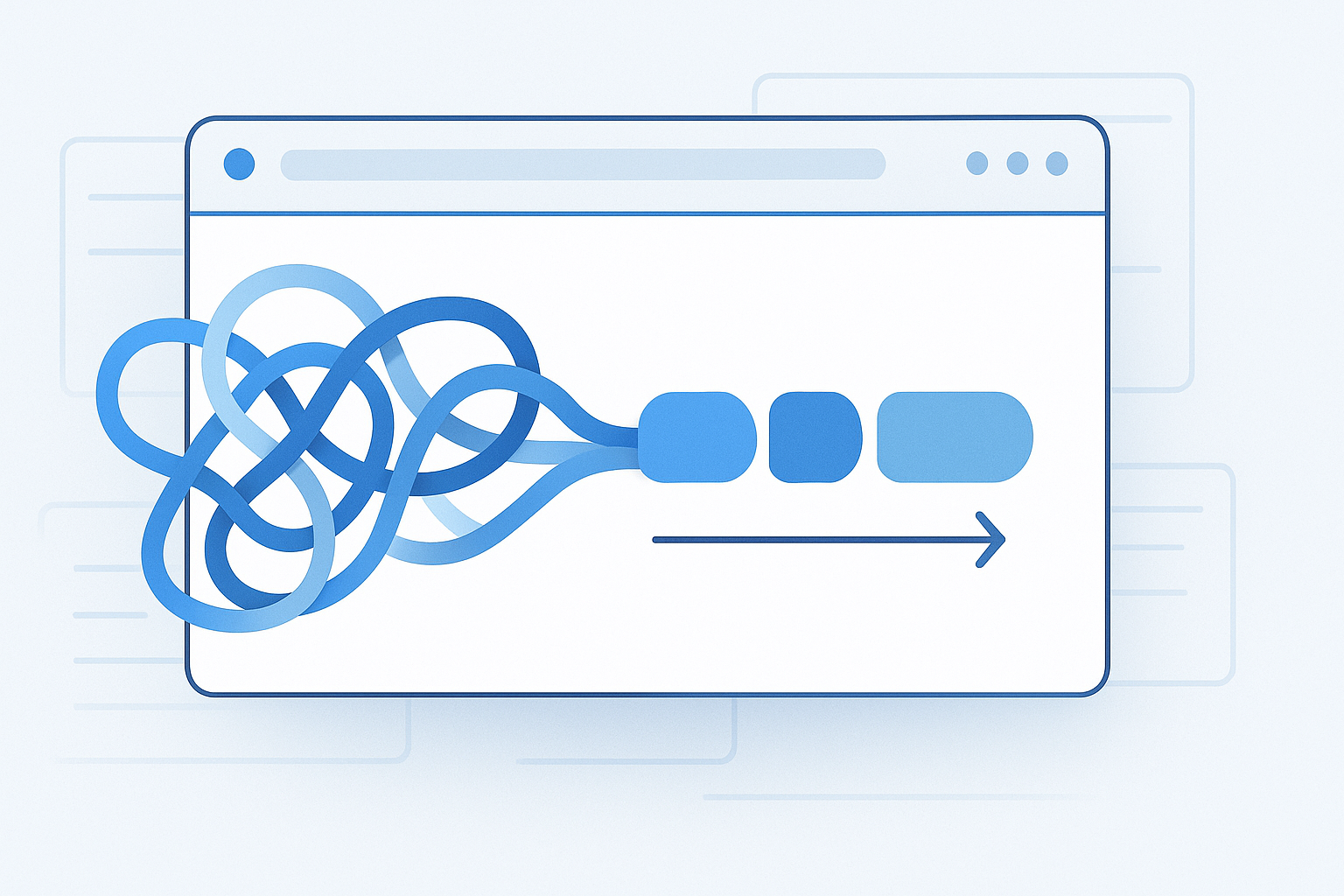
You launch a campaign, share links across email, social, ads, and partner sites, then open analytics later and see a messy pile of “referral,” “direct,” and half-labeled traffic. That usually means the links were not tagged consistently. If you want clean reporting, one of the most useful skills to learn is how to create UTM campaign URLs correctly.
UTM parameters are simple additions to a URL, but they have a big impact on campaign tracking, attribution, and reporting. This guide is for digital marketers, content teams, business owners, and anyone who needs clearer traffic data. You will learn what UTM tags are, how they work, how to build them properly, which mistakes to avoid, and how to keep your naming system organized as your campaigns grow.
Quick answer
To create UTM campaign URLs, start with the destination page URL, then add tracking parameters such as utm_source, utm_medium, and utm_campaign. Use clear, consistent naming, avoid tagging internal links, and test the final URL before publishing. A typical tagged link looks like this: https://example.com/page?utm_source=newsletter&utm_medium=email&utm_campaign=spring_sale.
What are UTM campaign URLs?
UTM campaign URLs are normal links with extra query parameters added to the end so analytics platforms can identify where a visit came from. “UTM” stands for Urchin Tracking Module, a legacy naming convention still widely used in modern analytics and campaign reporting.
The easiest way to understand them is this: the page URL stays the same, but the added tags describe the marketing context. Instead of seeing only that someone visited a page, you can often tell whether they clicked from an email, paid ad, social post, affiliate mention, or another campaign source.
Example:
https://example.com/pricing?utm_source=linkedin&utm_medium=social&utm_campaign=q4_demo_push
In that example:
utm_sourceidentifies the platform or originutm_mediumidentifies the channel typeutm_campaignidentifies the specific campaign
Why UTM tracking matters
If you care about marketing performance, UTM tracking gives you cleaner attribution and better reporting. Without it, traffic from different campaigns can blend together, making it harder to understand what is actually producing visits, leads, or sales.
- Measure channel performance: Compare email, social, paid search, display, and partnerships.
- Separate campaigns clearly: See which launch, promotion, or audience segment drove traffic.
- Improve reporting accuracy: Reduce guessing when stakeholders ask what worked.
- Support optimization: Identify links, creatives, or platforms worth investing in further.
- Standardize team workflows: Keep naming consistent across marketers and campaigns.
A tracking system only helps when the naming stays consistent. Most reporting problems come from messy conventions, not from the URL format itself.
How to create UTM campaign URLs step by step
If you are learning how to create UTM campaign URLs, the process is straightforward. The main challenge is not the syntax. It is choosing names that stay clear and consistent over time.
- Start with the final destination URL. Use the canonical page you actually want people to land on, such as
https://example.com/demo. Make sure the page works and loads correctly before tagging it. - Add the first parameter with a question mark. URL parameters begin after
?. If the page already contains parameters, additional ones use&instead. - Set
utm_source. This identifies where the traffic comes from, such asgoogle,linkedin,newsletter, orpartner_site. - Set
utm_medium. This describes the marketing channel, such asemail,cpc,social,display, oraffiliate. - Set
utm_campaign. This is the campaign name, such asspring_launchorblack_friday_2026. - Optionally add more detail. Use
utm_contentto distinguish links or creative variations, andutm_termwhen tracking paid keywords or a similar variable. - Keep formatting consistent. Pick one style, usually lowercase with hyphens or underscores, and use it everywhere.
- Test the final link. Open the URL, check that it lands on the right page, and confirm the parameters remain visible after redirects if that matters to your reporting setup.
A complete example looks like this:
https://example.com/demo?utm_source=facebook&utm_medium=paid_social&utm_campaign=summer_webinar&utm_content=video_ad_a
The five main UTM parameters explained
Most marketers only need three parameters for basic campaign tracking, but understanding all five standard ones helps you build a cleaner measurement system.
| Parameter | What it means | Example | When to use it |
|---|---|---|---|
utm_source |
The traffic origin | google, newsletter |
Always |
utm_medium |
The marketing channel | email, cpc, social |
Always |
utm_campaign |
The campaign name | product_launch |
Always |
utm_content |
Variation of ad, link, or creative | button_a, header_link |
Optional |
utm_term |
Keyword or targeting term | crm_software |
Optional |
What most teams should use by default
For most campaigns, start with these three every time:
utm_sourceutm_mediumutm_campaign
Then add utm_content only when you need to compare creative variations, placements, or multiple links pointing to the same destination.
UTM URL format and syntax basics
UTM tags use standard URL query string rules. That matters because formatting mistakes can break the link, strip parameters, or create confusing analytics data.
- The first parameter begins with
? - Each additional parameter begins with
& - Parameter names and values are connected with
= - Spaces should be encoded or avoided by using hyphens or underscores
- Special characters can create inconsistent results if not encoded properly
Example with three parameters:
https://example.com/page?utm_source=x&utm_medium=y&utm_campaign=z
If you want a technical reference for URL syntax, MDN’s documentation on URLs and query strings is a reliable starting point: MDN explanation of URL structure.
Best naming conventions for clean reporting
The biggest difference between useful UTM tracking and unusable UTM tracking is naming discipline. Good tagging makes reports easy to filter and compare. Bad tagging turns your source and campaign reports into duplicates and variations of the same thing.
Recommended naming rules
- Use lowercase consistently
- Avoid spaces
- Choose either hyphens or underscores and stick with one approach
- Keep names descriptive but short
- Use one standard label per channel
- Document campaign naming in a shared sheet or internal guideline
For example, choose one version only:
linkedinnotLinkedInandlinkedin.commixed togetherpaid_socialnotpaid-social,social_paid, andpsocialacross different teamsspring_sale_2026not several variations likespringsale,Spring-Sale, andsale_spring
A practical naming template
A simple workflow looks like this:
- Source: platform or publisher
- Medium: channel type
- Campaign: promotion, audience, or initiative
- Content: variant or placement
Example:
utm_source=linkedin&utm_medium=paid_social&utm_campaign=lead_gen_q1&utm_content=carousel_ad_1
Examples of UTM campaign URLs for common channels
Seeing realistic examples makes the process easier. The exact labels can vary by organization, but the underlying logic should stay consistent.
Email newsletter
https://example.com/blog/seo-checklist?utm_source=newsletter&utm_medium=email&utm_campaign=monthly_digest&utm_content=top_story
LinkedIn organic post
https://example.com/webinar?utm_source=linkedin&utm_medium=social&utm_campaign=b2b_webinar&utm_content=organic_post
Google Ads landing page
https://example.com/demo?utm_source=google&utm_medium=cpc&utm_campaign=crm_demo&utm_content=headline_a
Affiliate or partner link
https://example.com/pricing?utm_source=partner_blog&utm_medium=affiliate&utm_campaign=summer_promo
QR code campaign
https://example.com/event?utm_source=flyer&utm_medium=offline&utm_campaign=trade_show_booth
Suggested Image: UTM URL examples for email, paid ads, social, and partner campaigns
How UTM tags appear in analytics platforms
In practice, UTM values are used by analytics tools to classify traffic and support campaign reporting. The exact report names and interface labels depend on the platform and version, so the visual layout may change over time.
For many teams using Google Analytics, UTM values commonly map into source, medium, campaign, and related acquisition dimensions. Google’s official campaign tagging documentation is the best primary reference if you want platform-specific guidance: Google Analytics campaign tagging documentation.
If your organization uses redirects, link shorteners, CRM tracking, or ad platform auto-tagging, there is an important limitation to understand: some systems append their own parameters or process attribution differently. UTM tags are still useful, but they should fit into a broader measurement plan.
When to use UTM parameters and when not to use them
UTM tags are helpful for inbound marketing links you control. They are not meant for every link on your site.
Use UTM tags for
- Email campaigns
- Paid social links
- Display advertising
- Partner and affiliate links
- QR codes and offline campaigns
- Social bio links
- PDFs, presentations, and downloadable assets shared externally
Do not use UTM tags for
- Internal site navigation
- Links between pages on your own website
- Primary canonical URLs meant for indexing
- Navigation elements that would overwrite original acquisition data
Here is where many beginners get confused: adding UTMs to internal links can break attribution logic inside analytics reports. Instead of preserving the user’s original source, you can accidentally reclassify sessions based on your own internal buttons or banners.
For more technical background on canonicalization and indexing behavior, Google’s official documentation is useful: Google Search Central on canonical URLs.
Common mistakes when creating UTM campaign URLs
Most UTM problems are preventable. They usually happen when teams build links quickly without a shared convention.
1. Inconsistent capitalization
Facebook and facebook may appear as separate values in reports. That creates fragmented data.
How to avoid it: Use lowercase for every parameter value.
2. Using different names for the same medium
email, e-mail, and newsletter are not interchangeable if your reports rely on the medium field.
How to avoid it: Define medium values in advance and document them.
3. Tagging internal links
This can overwrite original attribution and distort user journey data.
How to avoid it: Use UTMs only for inbound campaign links unless you have a very specific analytics reason and you fully understand the impact.
4. Making campaign names too vague
A label like sale is not very useful six months later.
How to avoid it: Add context such as season, channel, audience, or year: holiday_sale_2026.
5. Forgetting to test redirects
Some redirect chains strip parameters or land on the wrong page.
How to avoid it: Click every important campaign URL before launch.
6. Letting spreadsheets become the only source of truth
Teams often lose control when everyone creates links manually in separate files.
How to avoid it: Keep one naming standard and one central place to review campaign tags.
A simple workflow for teams managing many tracked links
If you create only a few campaign URLs each month, manual tagging is fine. If you handle many channels, creatives, or landing pages, you need a repeatable workflow.
- Create a naming guide. Define approved values for source, medium, and campaign structure.
- Use a shared tracking sheet. Record each tagged URL, owner, launch date, and destination page.
- Validate destination pages. Make sure links resolve properly before distribution.
- Review for duplicates. Check whether similar campaigns are using slightly different names.
- Test in batches. If you need to review many final URLs, opening them one by one is slow and error-prone.
If your team regularly checks multiple landing pages, redirects, or tagged campaign links at once, OpenMultiURL can be useful as a browser productivity tool because it lets you open multiple URLs from a list in one action. That does not replace analytics setup, but it can reduce repetitive QA work during campaign reviews.
UTM builder tools vs manual creation
You can build UTM links manually, use a spreadsheet formula, or use a dedicated builder. The best option depends on your volume, approval process, and need for consistency.
| Method | Best for | Pros | Limitations |
|---|---|---|---|
| Manual editing | Very small volume | Fast for one-off links | Easy to make syntax and naming mistakes |
| Spreadsheet workflow | Teams managing repeated campaigns | Scalable and organized | Needs maintenance and governance |
| UTM builder tool | Marketers who want fewer formatting errors | Simplifies parameter creation | Still relies on good naming decisions |
How to test and troubleshoot UTM links
Before you publish a campaign, test the tagged URLs like you would test ad copy or landing page forms. Tracking issues are easier to fix before launch than after reporting breaks.
Basic testing checklist
- Confirm the URL opens the correct page
- Check that the page returns a normal load and does not error out
- Verify that redirects do not remove parameters unexpectedly
- Confirm parameter spelling is correct
- Make sure naming matches your documented conventions
- Spot-check analytics after launch if possible
Common troubleshooting scenarios
The link opens but tracking looks wrong.
Usually this is a naming issue, not a broken URL. Check capitalization, spelling, and whether the wrong medium or source was used.
The URL becomes too long.
That is common with detailed campaign naming. If needed, use a reputable shortener or redirect system your organization controls, but always test that the full parameters survive the redirect.
The final page strips the parameters.
Some server-side redirects, apps, or scripts may remove query parameters. Review the redirect path and confirm the URL handling behavior with your technical team.
Analytics reports are missing campaign data.
Check whether the visit was blocked, filtered, redirected incorrectly, or attributed under a different reporting dimension. Also confirm your analytics implementation is functioning normally.
SEO and indexing considerations for UTM URLs
UTM parameters are for tracking, not for creating separate SEO pages. Search engines can crawl parameterized URLs, but marketers generally should not treat UTM-tagged versions as distinct pages intended for indexing.
- Use the clean destination URL as the main canonical version
- Avoid linking internally to UTM-tagged URLs as standard navigation links
- Do not use UTMs as a substitute for content or landing page strategy
- Remember that parameterized URLs can create reporting and duplication complexity if used carelessly
Google’s URL structure guidance can also help if you manage large sites with parameter handling concerns: Google guidance on URL structure.
Practical use cases for digital marketers
UTM tagging becomes especially valuable when multiple campaigns point to the same page. That is where source and medium clarity matters most.
Content promotion
If one blog post is promoted through email, LinkedIn, X, partner newsletters, and paid social, UTM tags let you compare traffic quality by channel instead of seeing all traffic blended together.
Landing page testing
If several ad creatives lead to the same landing page, utm_content can help distinguish versions such as headline_a versus headline_b.
Partnership attribution
When several affiliates or partners promote the same offer, utm_source can identify which partner link generated visits.
Offline to online tracking
QR codes on flyers, event booths, packaging, or printed brochures can point to tagged URLs so offline placements become easier to measure.
Suggested Infographic: How one landing page can be tracked across email, paid social, search ads, and partner traffic using UTM parameters
Best practices for keeping UTM tracking organized
The best approach depends on what you are trying to accomplish, but most teams benefit from a few reliable habits.
- Use a controlled vocabulary. Decide approved source and medium values before campaigns launch.
- Name campaigns for future clarity. Assume someone will read the report months later.
- Keep a master log. Record every campaign URL, destination, owner, and publish date.
- Train everyone who publishes links. One inconsistent contributor can fragment your reporting.
- Review before launch. A quick QA pass often catches the most expensive mistakes.
- Separate tracking from SEO goals. UTMs help reporting. They do not improve rankings by themselves.
Frequently asked questions
1. What is the minimum required to create a UTM campaign URL?
The usual minimum is the destination URL plus three parameters: utm_source, utm_medium, and utm_campaign. Those three are enough for most marketing reporting. You can add utm_content or utm_term when you need extra detail, but they are optional in many workflows.
2. Should I use uppercase or lowercase in UTM parameters?
Lowercase is the safer option because it keeps reports more consistent. Many analytics setups treat Facebook and facebook as separate values, which splits data unnecessarily. Pick one naming style and apply it everywhere. For most teams, lowercase with hyphens or underscores is simplest.
3. Can UTM parameters hurt SEO?
UTM parameters are not inherently bad for SEO, but they should not be treated as separate pages for search visibility. Problems usually appear when tagged URLs are used carelessly in internal linking, indexing, or canonicalization workflows. The safer practice is to use clean canonical URLs for SEO and reserve UTM-tagged links for campaign tracking.
4. Is it okay to add UTM tags to internal links on my own website?
Usually, no. Internal UTMs can overwrite original acquisition data and distort attribution in analytics reports. If a visitor arrived from email, then clicks an internal banner with a new UTM tag, your reports may credit that internal click instead of the true original source. For most sites, internal links should remain untagged.
5. What is the difference between utm_source and utm_medium?