If you’ve ever pasted a messy block of text into a document and needed only the links, you already know the problem. URLs are often mixed with notes, email copy, spreadsheets, transcripts, exported data, or scraped research. Pulling them out manually is slow, error-prone, and frustrating when you have more than a handful.
That is exactly where it helps to know how to extract URLs from text quickly and cleanly. This guide is for general web users, researchers, marketers, students, and anyone who regularly works with link-heavy content. You’ll learn what URL extraction means, which methods work best, how to avoid common mistakes, and how to turn a plain text list of links into a practical workflow you can actually use.
Quick answer
To extract URLs from text, paste the text into a URL extraction tool or use a pattern-based method that identifies web addresses such as https://example.com. The best approach depends on whether you need speed, accuracy, cleanup, deduplication, or a reusable list for research and browser workflows.
What does it mean to extract URLs from text?
To extract URLs from text means to identify and pull out web addresses from a larger body of content. Instead of keeping the surrounding words, punctuation, and formatting, you isolate just the links so they can be reviewed, saved, shared, opened, or analyzed.
A URL, or Uniform Resource Locator, is the address used to locate a resource on the web. If you want the formal definition and structure, MDN explains it clearly in its guide to what a URL is.
In practice, extracted URLs often come from:
- Emails and newsletters
- Copied webpage text
- Notes from research sessions
- SEO exports and reports
- Chat logs and transcripts
- Documents, PDFs, or plain text files
- Lists shared by teammates or clients
Why extracting links matters
URL extraction is useful because it turns unstructured text into something actionable. Once links are separated from the surrounding content, you can review them faster, remove duplicates, organize them by topic, or open them in batches for research.
The value becomes obvious when you’re doing repetitive work. A few common examples include:
- Research: Pull all cited sources from copied notes.
- SEO review: Isolate links from audit exports, competitor mentions, or content drafts.
- Content editing: Check whether URLs in an article are correct and consistent.
- Productivity: Turn a messy list of web addresses into something you can use immediately.
- Link collection: Save references from emails, chats, and documents in one cleaner list.
A good URL workflow is not just about collecting links. It is about reducing manual cleanup before the real work begins.
How URL extraction works
Most URL extraction methods look for recognizable web address patterns in text. These usually begin with protocols like http:// or https://, but some tools can also detect links that start with www. even if the protocol is missing.
Here is the important part: not every string that looks like a link is equally useful. A good extraction workflow should ideally help you:
- Detect full URLs accurately
- Ignore surrounding punctuation when possible
- Keep one URL per line for easier handling
- Remove duplicates if needed
- Preserve important parameters when they matter
If you’re working with standards-based URL behavior, the WHATWG URL Standard and Google’s documentation on how Google understands URLs are useful references.
How to extract URLs from text quickly
The fastest method for most people is to paste the text into a URL extraction tool, review the output, and then clean or reuse the results. This is easier than manually copying links one by one and less error-prone than trying to spot every URL visually.
Step-by-step workflow
- Collect the source text. Copy the block of text that contains the links. This could come from an email, document, note, spreadsheet cell, or webpage copy.
- Paste it into a URL extractor. Use a tool designed to identify web addresses inside mixed text. This saves time and reduces missed links.
- Review the extracted list. Check whether each result is actually a valid link and not a malformed fragment.
- Remove duplicates. If the same URL appears multiple times, keep one clean version unless repetition is meaningful for your task.
- Decide whether parameters should stay. Some URLs include tracking or session parameters. Keep them only if they are important to your workflow.
- Export or reuse the list. Save the results in a text file, spreadsheet, research document, or bulk URL opener if you plan to visit the pages.
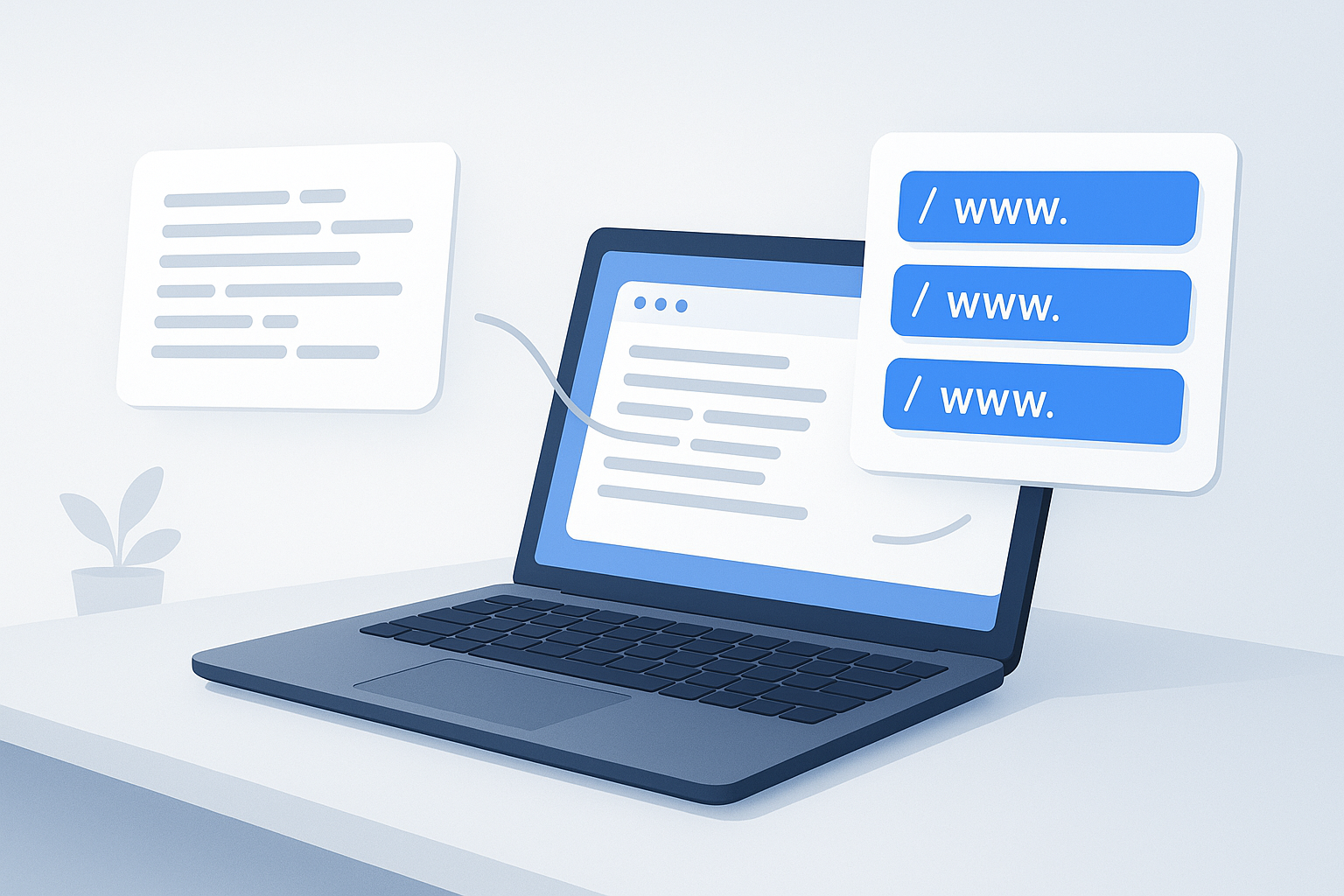
Suggested Image: Clean Online Tools Illustration showing text input on one side and extracted URL list on the other
Common methods for extracting URLs
The best method depends on how much text you have, how clean it is, and what you want to do next. Some workflows are simple and manual. Others are better for repeated or high-volume use.
| Method | Best for | Pros | Limitations |
|---|---|---|---|
| Manual copying | Very small lists | No tools required | Slow and easy to miscopy |
| Find/search inside text | Structured content | Simple for obvious links | Misses inconsistent formats |
| Spreadsheet formulas | Tabular data | Good for repeated columns | Less friendly for mixed text blocks |
| Regular expressions | Advanced users | Flexible and powerful | Can be overcomplicated and fragile |
| URL extraction tool | Most users | Fast, simple, practical | Output still needs review in messy cases |
When a URL extraction tool is the better option
A dedicated tool is usually the best choice when text is messy, long, or copied from multiple sources. It reduces manual cleanup and gives you a reusable list much faster than editing line by line.
This is especially helpful when:
- You have dozens or hundreds of links inside unformatted text
- The links are mixed with plain language, punctuation, and notes
- You want each URL placed on its own line
- You need a quick list for browser research
- You want to prepare links for bulk opening
If your next step is opening those results for review, comparison, or auditing, a tool like OpenMultiURL can help you open multiple URLs at once from a cleaned list.
Practical examples of extracting URLs from text
URL extraction becomes easier to understand when you look at real workflows rather than abstract definitions.
Example 1: Content research
A writer copies notes from a research document containing article titles, pasted quotes, and source links. Instead of scanning every paragraph manually, they extract the URLs first, then review only the source pages they need.
Practical tip: Keep the extracted links in a separate reference doc so the source list stays clean even if the original notes change.
Example 2: SEO and competitor review
An SEO specialist exports a block of competitor mentions or backlinks from a report. The export includes notes, labels, and full URLs. Extracting the links first makes it much easier to inspect patterns, compare domains, or open target pages for review.
For users working through larger website lists, OpenMultiURL’s URL Extractor is relevant because it helps isolate links from mixed text before the next step in the workflow.
Example 3: Email and newsletter cleanup
You receive a long email roundup with product pages, blog posts, event registrations, and social profiles. Extracting the links lets you separate the actual destinations from the surrounding commentary.
Practical tip: Before opening anything unfamiliar, verify the domains to avoid suspicious or misleading links.
Example 4: Student or academic use
A student pastes notes from articles and class materials into one file. Extracting URLs helps rebuild the bibliography or revisit primary sources without reading the whole document again.
Best practices for clean URL extraction
The extraction itself is only part of the job. The quality of the final list matters just as much, especially if you will use it for research, reporting, or opening multiple links at once.
- Keep one URL per line. This makes the list easier to sort, deduplicate, and re-use.
- Check for broken punctuation. Text copied from documents often adds trailing periods, commas, or parentheses.
- Normalize when needed. Decide whether you want to keep
httpandhttpsversions separate or treat them as the same destination for your purpose. - Preserve meaningful parameters. Some query strings identify pages, searches, or campaign details. Others are only tracking clutter.
- Group links by task. Separate research pages, competitor URLs, citations, and internal references into different lists.
- Review domains before opening. This is particularly important for unfamiliar or user-submitted content.
Understanding common URL cleanup issues
Many extraction errors are not caused by the tool. They come from how URLs appear inside normal writing. A clean result often depends on recognizing these edge cases.
Trailing punctuation
URLs at the end of a sentence may include a period or comma in copied text. If not removed, the link may fail or lead to an invalid address.
Wrapped lines
In emails, PDFs, or exports, long URLs sometimes break across lines. That can create partial or malformed results that need manual review.
Missing protocol
Some text includes www.example.com without https://. Certain tools detect this automatically, but not all do.
Tracking parameters
URLs may include query parameters such as utm_source or session values. Google explains campaign tagging in its UTM parameter guidance for Analytics. These parameters are not always harmful, but they can make lists look messy and may create duplicates that appear different even when they go to the same page.
Redirects
The extracted URL may not be the final page that opens. Redirects are common on the web, especially with shortened links, tracking links, or migrated content. For HTTP behavior, MDN’s redirection guide is a reliable reference.
Common mistakes when you extract URLs from text
Most problems come from moving too fast and assuming every extracted result is ready to use. A few simple checks prevent many headaches.
- Assuming every detected link is valid. Text patterns can produce false positives, especially in messy exports.
- Opening suspicious URLs immediately. Always verify unfamiliar domains before visiting them.
- Ignoring duplicates. Repeated URLs waste time and create clutter in browser workflows.
- Removing all parameters automatically. Some parameters are important for the page or search result you need.
- Confusing URLs with domains. A full URL includes more than a domain. Path, parameters, and fragments can all matter.
- Keeping broken punctuation attached. A single extra character can make a link fail.
The goal is not to collect the most links. It is to create a list you can trust and use without rechecking every line.
What to do after extracting a list of URLs
Once you have a clean list, the next step depends on your task. Many people stop too early and miss the productivity benefit of turning extraction into a repeatable workflow.
- Review the links. Remove obvious errors, junk URLs, and duplicates.
- Sort by purpose. Separate sources, product pages, competitor pages, and internal links.
- Save a master copy. Keep the original extracted list before editing it further.
- Open links in batches if needed. If you’re comparing pages or validating sources, open them in smaller groups to avoid overwhelming your browser.
- Document what the links are for. Add a simple note like
citations,SERP review, orclient references.
If your goal is to review many pages quickly, OpenMultiURL can be a practical next step after extraction because it is built for opening multiple URLs at once from a prepared list.
Browser and workflow limitations to understand
There is an important limitation to understand: extracting URLs and opening URLs are different tasks. Extraction gives you a list. What happens next depends on the browser, the website, and the quality of the links themselves.
- Browsers may limit or warn about multiple tab opening. Exact behavior can vary by browser and settings.
- Some websites require login. A valid URL may still lead to a sign-in page.
- Some pages redirect. The opened destination may differ from the extracted address.
- Shortened links can hide the final destination. Review them carefully before opening.
- Broken or outdated URLs are common. Extraction cannot fix dead links.
- Dynamic content may behave differently. Some pages rely heavily on JavaScript or session state.
For websites and SEO workflows, Google Search Central also explains that URL handling can affect crawling and indexing in its documentation about canonicalization and duplicate URLs.
Safe habits when handling extracted links
Speed matters, but safety matters more. When you extract URLs from text from unknown sources, treat them the same way you would treat any unsolicited link.
- Check whether the domain is familiar and spelled correctly.
- Be careful with shortened URLs if the source is untrusted.
- Avoid logging into websites through links you do not recognize.
- Do not assume copied links are harmless just because they appear in a document or email.
- If a URL looks suspicious, inspect it before opening it.
Who benefits most from URL extraction?
This is a simple skill, but it solves a real problem for many kinds of users.
- General web users: clean up links from copied text and newsletters
- Students and teachers: organize sources and references
- Content teams: separate citations and outbound links from drafts
- SEO professionals: process link-heavy exports and research notes
- Digital marketers: review landing pages, campaigns, and tagged URLs
- Researchers: collect references from interviews, notes, and reports
Frequently asked questions
Can I extract URLs from plain text even if the text is messy?
Yes. That is one of the most common use cases. URL extraction tools are designed to find links inside unstructured text, including copied notes, emails, exported reports, and mixed formatting. You may still need to review the results for trailing punctuation, broken lines, or malformed links, but extraction is much faster than copying each address manually.
Will a URL extractor find links without https or http?
Sometimes, but not always. Full URLs with http:// or https:// are usually easiest to detect reliably. Some tools also recognize links that begin with www., but support can vary. If your source text uses incomplete web addresses, expect to do a little cleanup after extraction.
What is the difference between a URL and a domain?
A domain is only one part of a URL. For example, in https://www.example.com/blog/page?topic=seo, the domain is example.com. The full URL also includes the protocol, subdomain, path, and query parameters. This matters because two URLs can share the same domain but point to completely different pages or functions.
Should I remove URL parameters after extraction?
Only if they are not important to your task. Some parameters are just tracking tags, such as UTM values used in marketing reports. Others can control search filters, pagination, session behavior, or page state. If you remove parameters too aggressively, you may lose context or break the intended destination.
Can I open all extracted URLs at once?
Yes, if you have a clean list and your browser allows it. That said, opening too many links at once can overwhelm your browser or trigger tab-related warnings. A better approach is often to review the extracted list first, remove duplicates or suspicious links, and open smaller groups based on topic or task.
Why do some extracted links not work?
Common reasons include extra punctuation, broken line wraps, missing protocol prefixes, outdated pages, redirects, login requirements, or simple copy errors in the original text. Extraction identifies likely URLs, but it does not guarantee that every detected link is still active or publicly accessible.
Is extracting URLs useful for SEO work?
Yes. It helps with tasks such as cleaning link exports, collecting referenced pages from content drafts, reviewing competitor URLs, preparing crawl samples, and organizing lists for manual page checks. It is not an SEO ranking tactic by itself, but it is a practical workflow step that saves time and reduces manual errors.
What should I do after I extract URLs from text?
Start by reviewing the list for invalid links, duplicates, and suspicious domains. Then organize the URLs by purpose, such as sources, pages to audit, competitor content, or references to read later. If you need to visit them, open them in manageable batches rather than all at once.
Conclusion
If you regularly work with copied notes, reports, emails, or research documents, learning how to extract URLs from text can save a surprising amount of time. The process is simple: pull out the links, review them, clean the list, and use the results in a more organized workflow.
For many people, the biggest benefit is not just cleaner data. It is being able to move from messy text to useful action faster. If your next step is reviewing multiple pages, OpenMultiURL can help you open multiple URLs at once from a prepared list. A simple extractor-and-review workflow is often all you need to make link-heavy tasks much easier to manage.